Live 映像檔
嘗試使用 Plasma 的最簡單的方式是用 live 映像檔製作一個 live USB 開機隨身碟。使用 Docker 映像檔也是一個測試 Plasma 的快速又簡單的方式。
下載有 Plasma 的 live 映像檔 下載有 Plasma 的 Docker 映像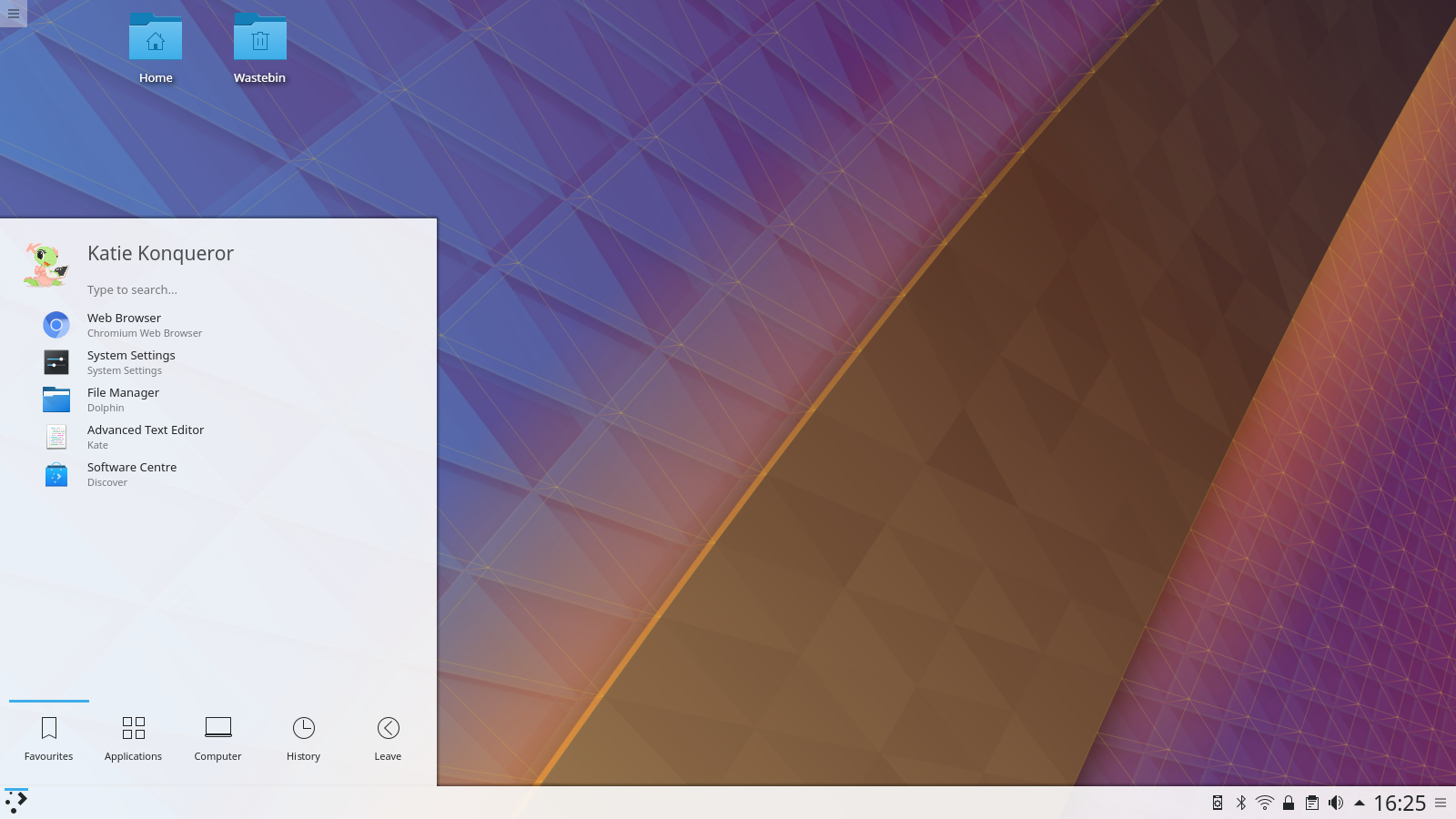
KDE Plasma 5.12 Beta 版
2018 年 1 月 15 日,星期一
Plasma 5.12 LTS Beta is the second long term support release from the Plasma 5 team. We have been working hard focusing on speed and stability for this release. Boot time to desktop has been improved by reviewing the code for anything which blocks execution. The team has been triaging and fixing bugs in every aspect of the codebase, tidying up artwork, removing corner cases and ensuring cross desktop integration. For the first time we offer our Wayland integration on long term support so you can be sure we will continue to fix bugs over the coming releases.
We have been concentrating on speed and memory improvements with this long term support release. When Plasma is running it now uses less CPU and less memory than previous versions. The time it takes to start a Plasma desktop has been reduced dramatically.
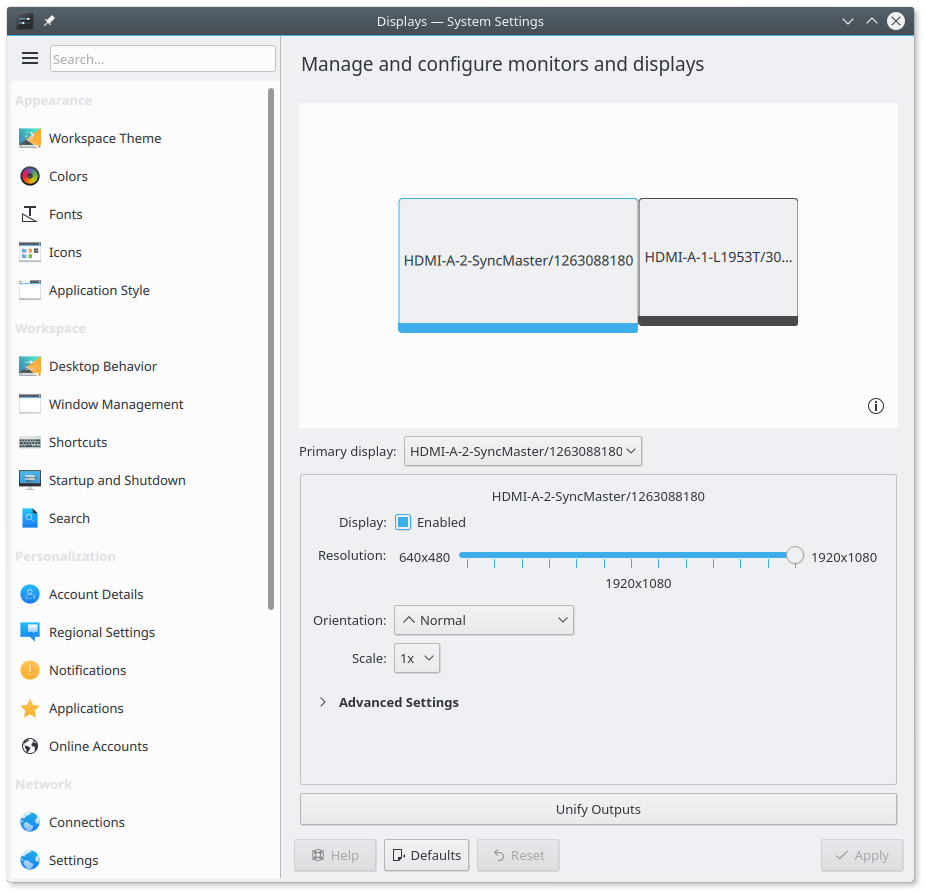
Display Setup Now Supports Wayland
Plasma's support for running as Wayland is now more complete and is now suitable for more wide-ranged testing. It is included as Long Term Support for the first time so we will be fixing bugs in the 5.12 LTS series. New features include:
For those who know their Wayland internals the protocols we added are:
Important change of policy: 5.12 is the last release which sees feature development in KWin on X11. With 5.13 onwards only new features relevant to Wayland are going to be added.
We have put a lot of work into making Wayland support in Plasma as good as possible but there are still some missing features and issues in certain hardware configurations so we don't yet recommend it for daily use. More information on the Wayland status wiki page.
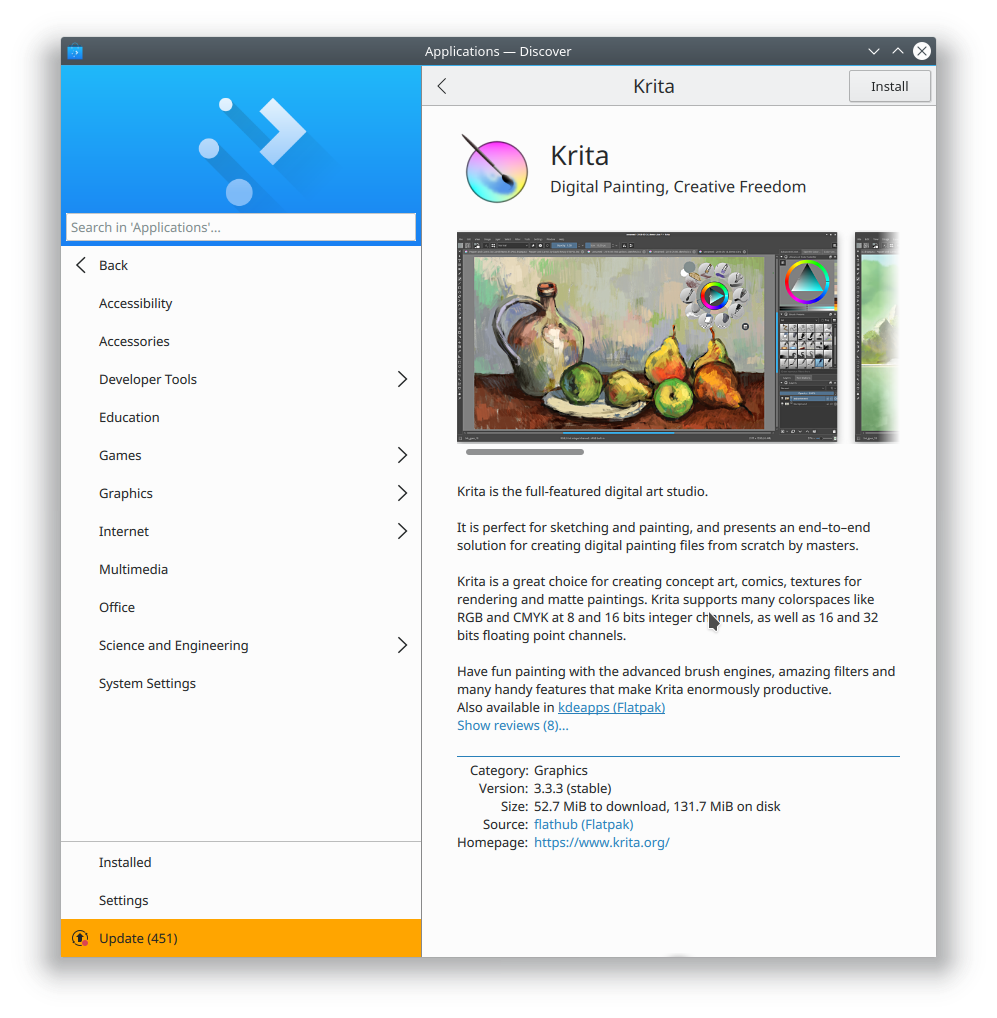
Discover 的新應用程式頁面
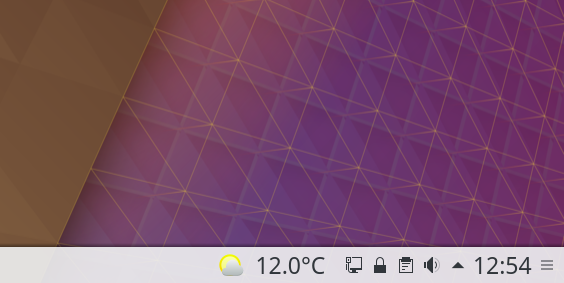
Weather Applet with Temperature
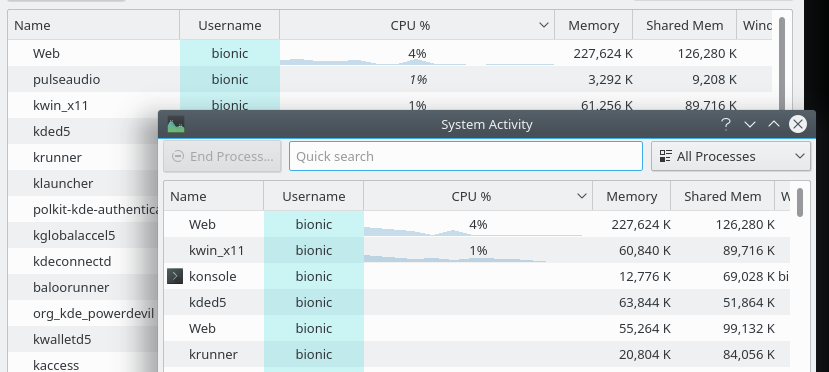
系統活動中的 CPU 用量
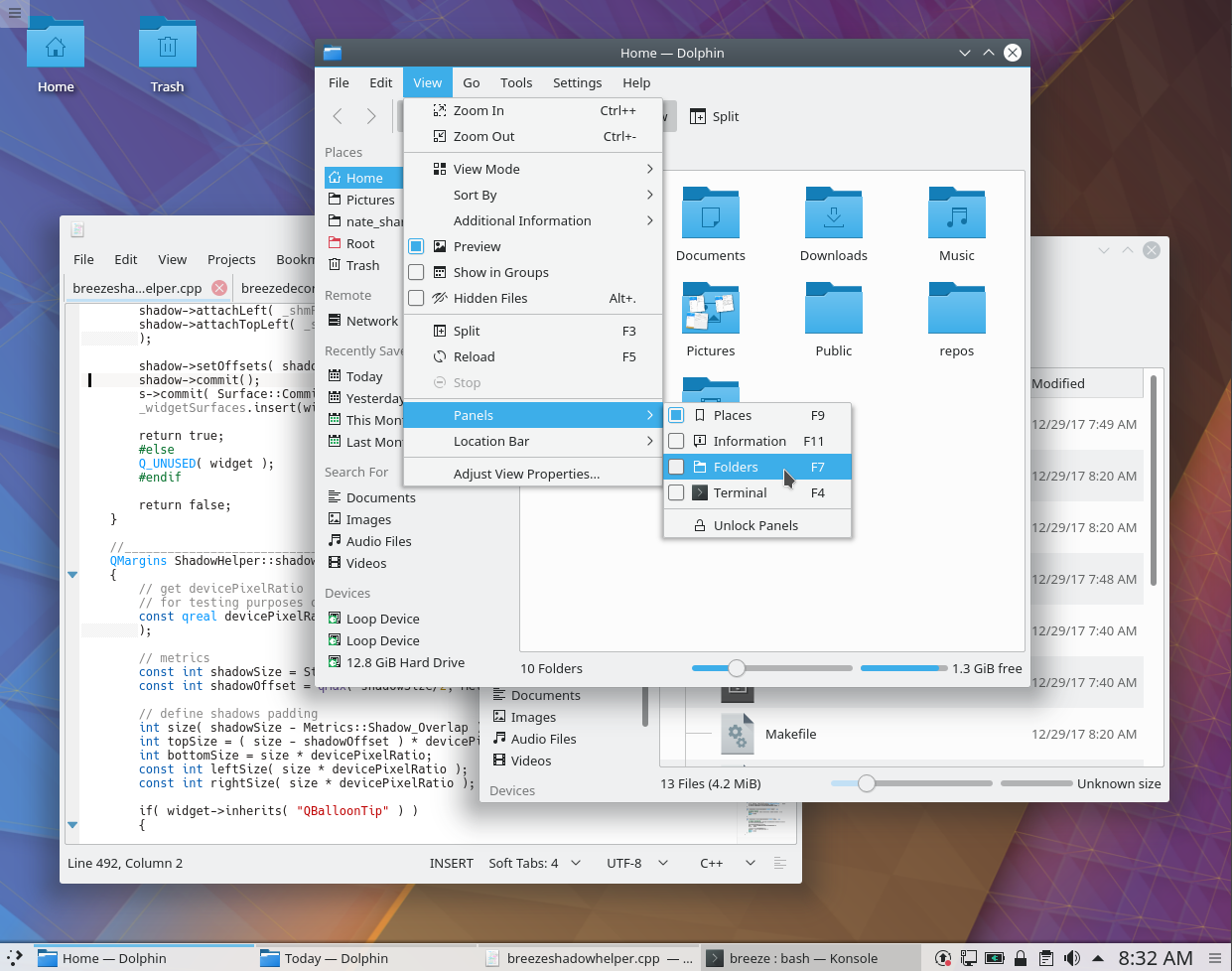
視窗陰影更大且改為水平置中
如果您目前使用上一個 LTS 釋出版 (Plasma 5.8),您可以期待許多新功能:
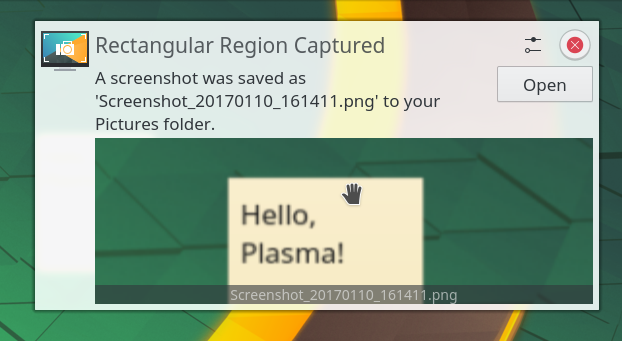
通知內的預覽
通知系統現在支援互動式預覽,讓您截圖後直接將它拖到聊天視窗、電郵撰寫工具,或瀏覽器的表單裡面。這樣您更不需要離開您目前使用的應用程式。
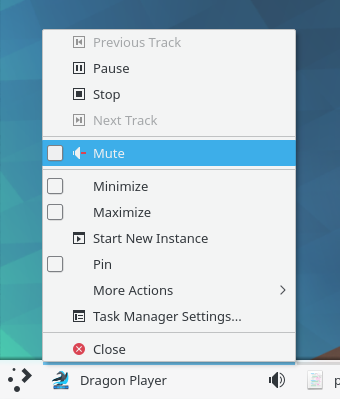
音效圖示與靜音按鈕內文選單條目
Due to popular demand we implemented switching between windows in Task Manager using Meta + number shortcuts for heavy multi-tasking. Also new in Task Manager is the ability to pin different applications in each of your activities. And should you want to focus on one particular task, applications currently playing audio are marked with an icon similar to how it’s done in modern web browsers. Together with a button to mute the offending application, this can help you stay focused.
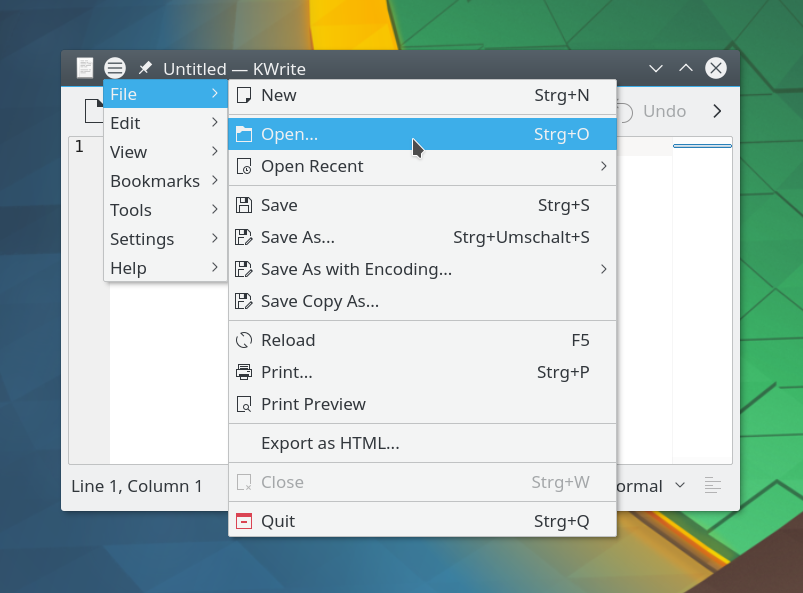
全域選單螢幕截圖、小程式與視窗裝飾
Global Menus have also returned. KDE's pioneering feature to separate the menu bar from the application window allows for new user interface paradigm with either a Plasma Widget showing the menu or neatly tucked away in the window title bar. Setting it up has been greatly simplified in Plasma 5.12: as soon as you add the Global Menu widget or title bar button, the required background service gets started automatically.
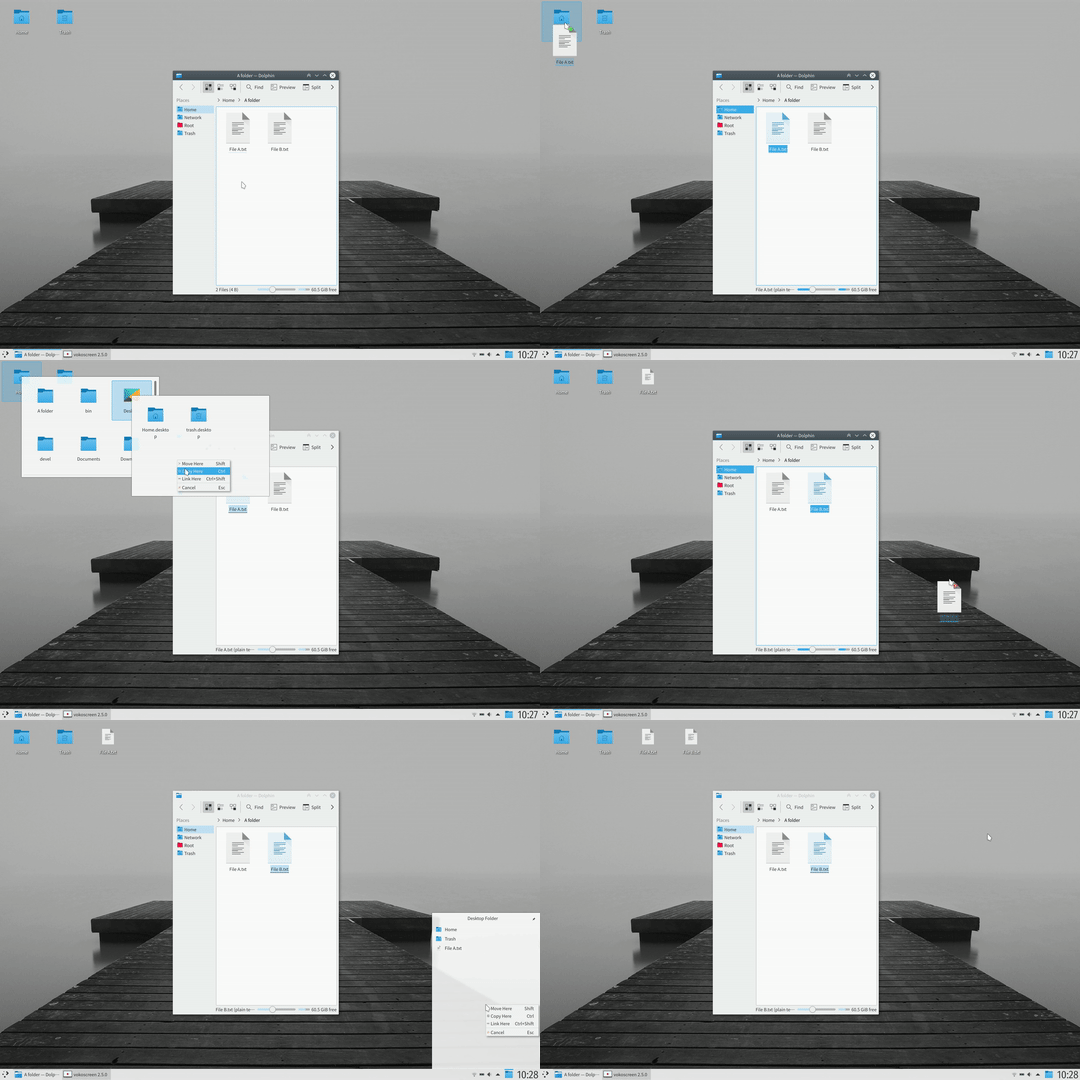
Spring Loading in Folder View
Folder View is now the default desktop layout. After some years shunning icons on the desktop we have accepted the inevitable and changed to Folder View as the default desktop which brings some icons by default and allows users to put whatever files or folders they want easy access to. For this many improvements have been made to Folder View, including Spring Loading making drag and drop of files powerful and quick, a tighter icon grid, as well as massively improved performance.
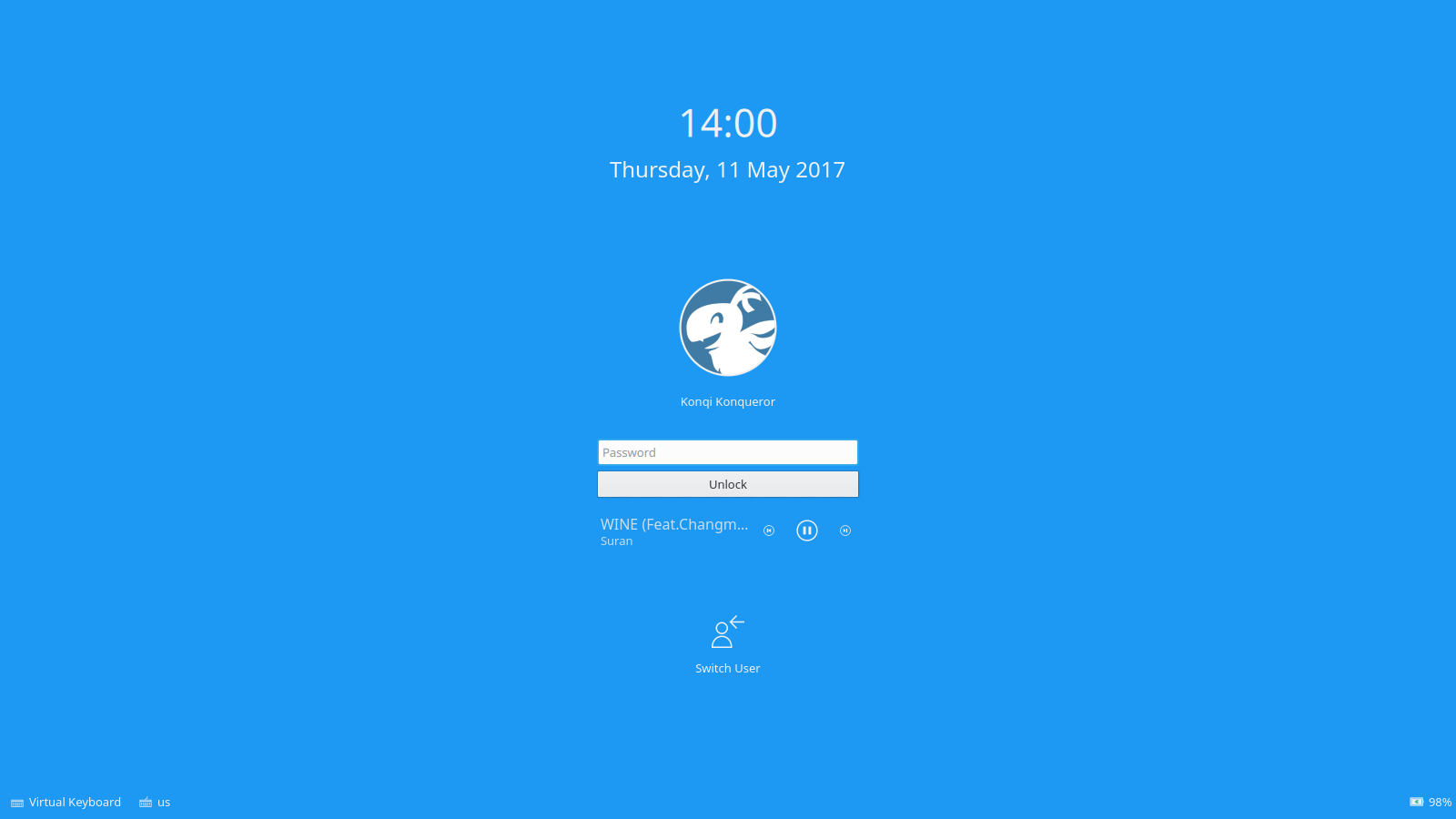
鎖定螢幕上的媒體控制元件
在鎖定螢幕新增了媒體控制元件,在 Plasma 5.12 以上也可以為隱私停用它。另外,系統睡眠時也會自動暫停播放音樂。
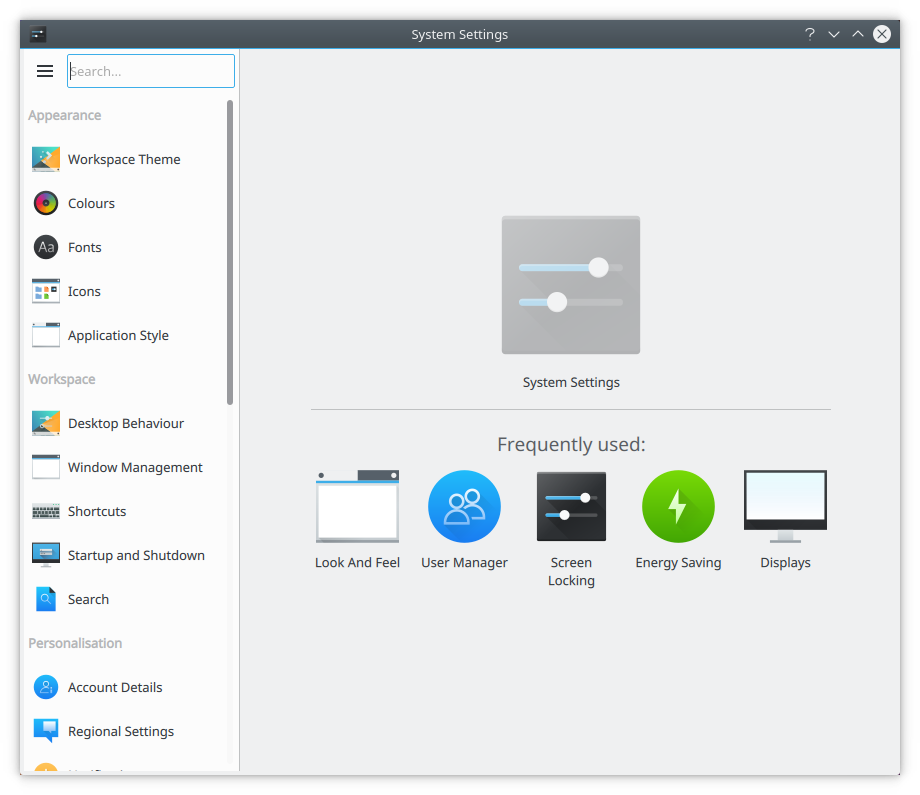
New Look System Settings
We introduced a new System Settings user interface for easy access to commonly used settings. It is the first step in making this often-used and complex application easier to navigate and more user-friendly. The new design is added as an option, users who prefer the older icon or tree views can move back to their preferred way of navigation.
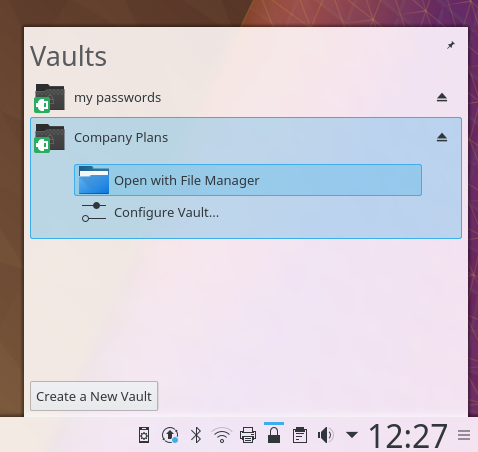
Plasma 儲存庫
KDE has a focus on privacy. Our vision is: A world in which everyone has control over their digital life and enjoys freedom and privacy.
For users who often deal with sensitive, confidential and private information, the new Plasma Vault offers strong encryption features presented in a user-friendly way. It allows to lock and encrypt sets of documents and hide them from prying eyes even when the user is logged in. Plasma Vault extends Plasma's activities feature with secure storage.
Take a look at what Plasma offers, a comprehensive selection of features unparalleled in any desktop software.
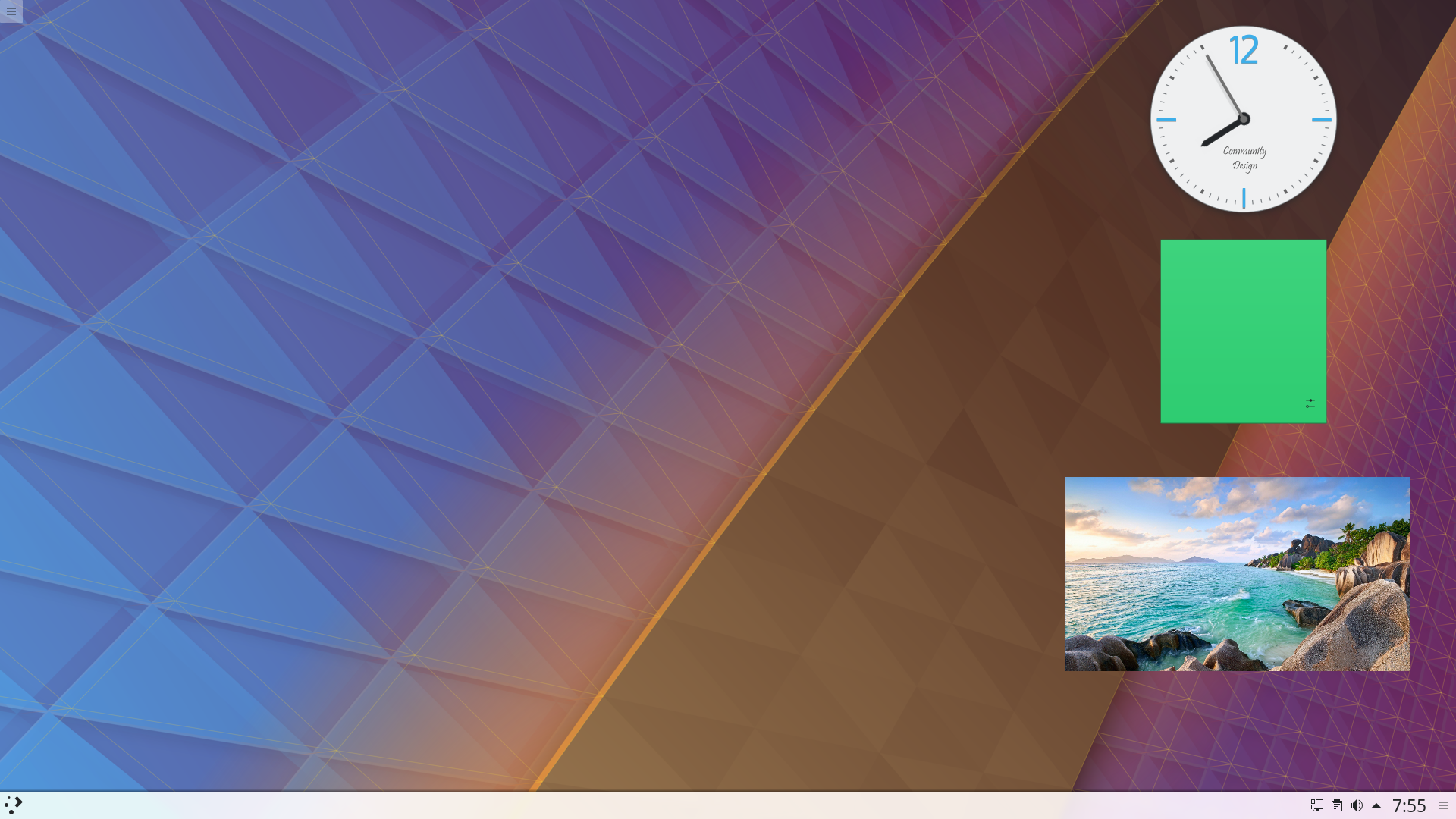
桌面元件
Cover your desktop in useful widgets to keep you up to date with weather, amused with comics or helping with calculations.
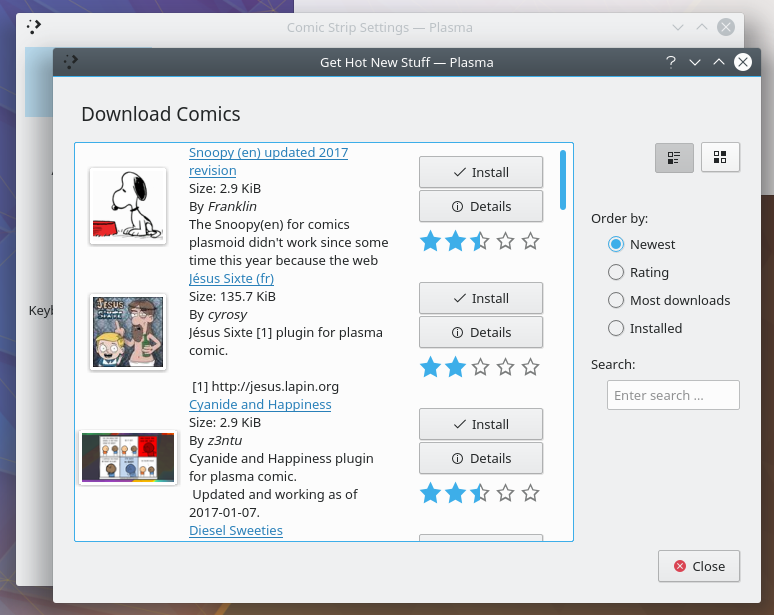
取得熱門新玩意
Download wallpapers, window style, widgets, desktop effects and dozens of other resources straight to your desktop. We work with the new KDE Store to bring you a wide selection of addons for you to install.
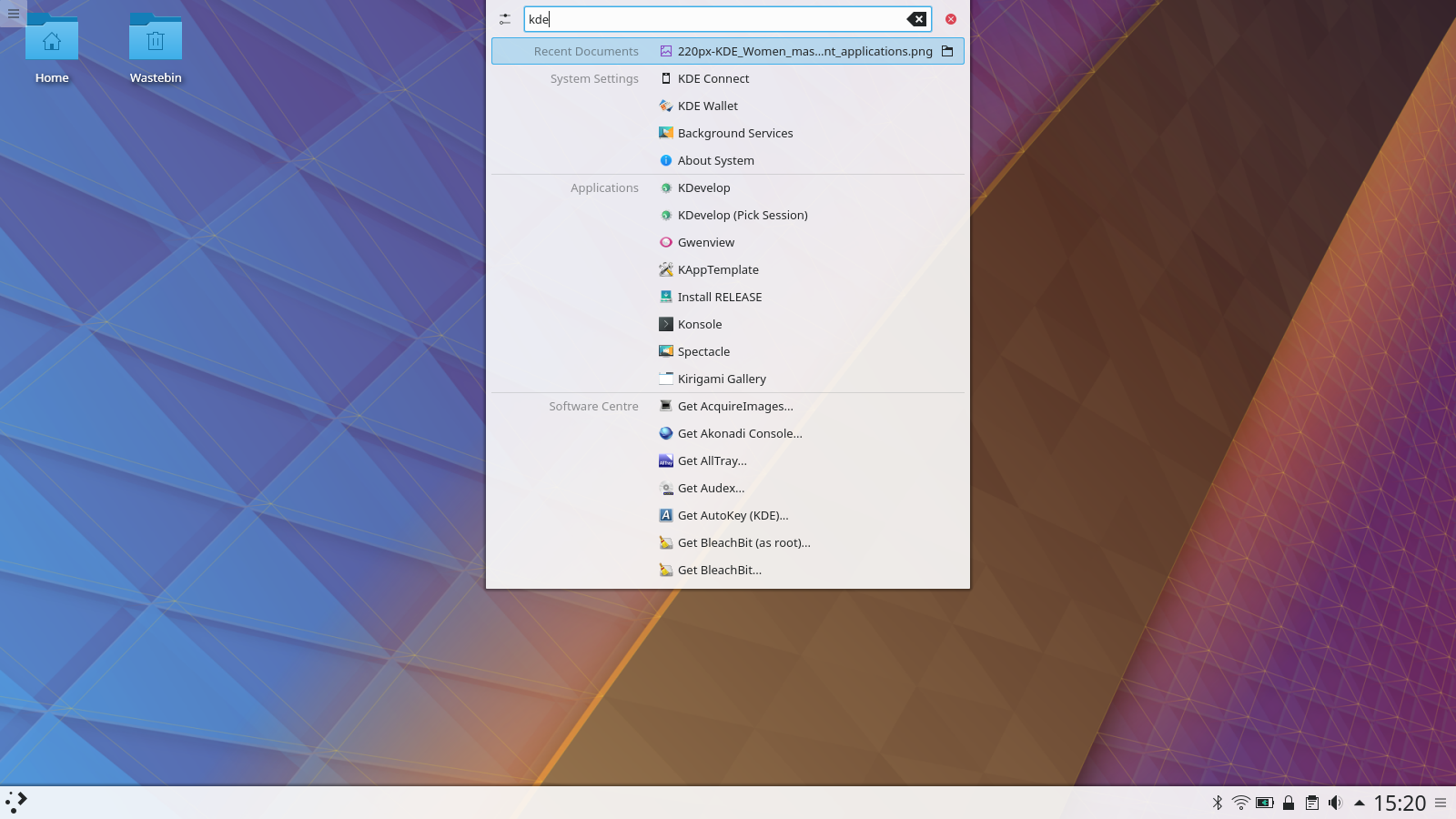
桌面搜尋
Plasma will let you easily search your desktop for applications, folders, music, video, files... everything you have.
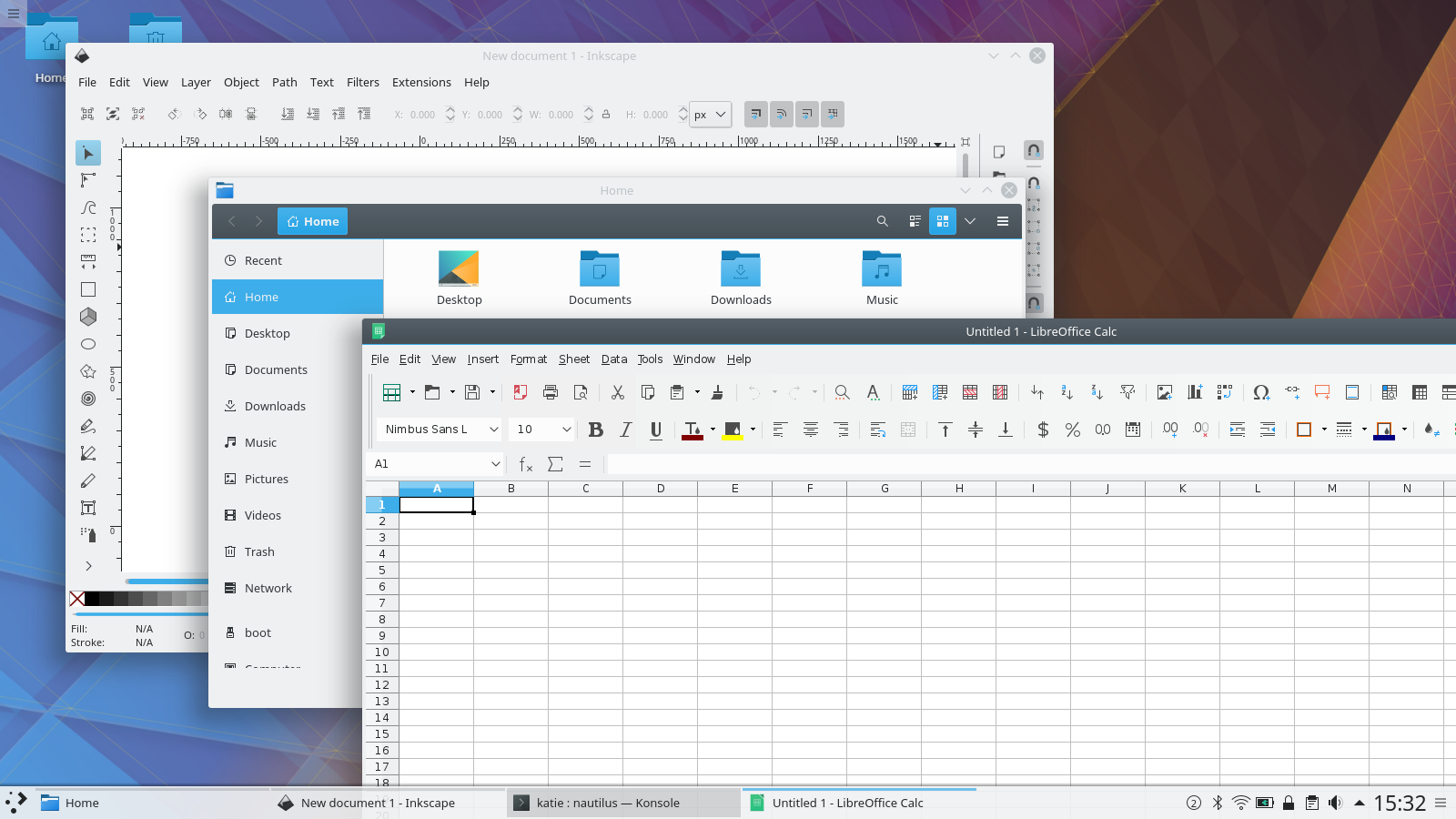
統一外觀
Plasma's default Breeze theme has a unified look across all the common programmer toolkits - Qt 4 & 5, GTK 2 & 3, even LibreOffice.
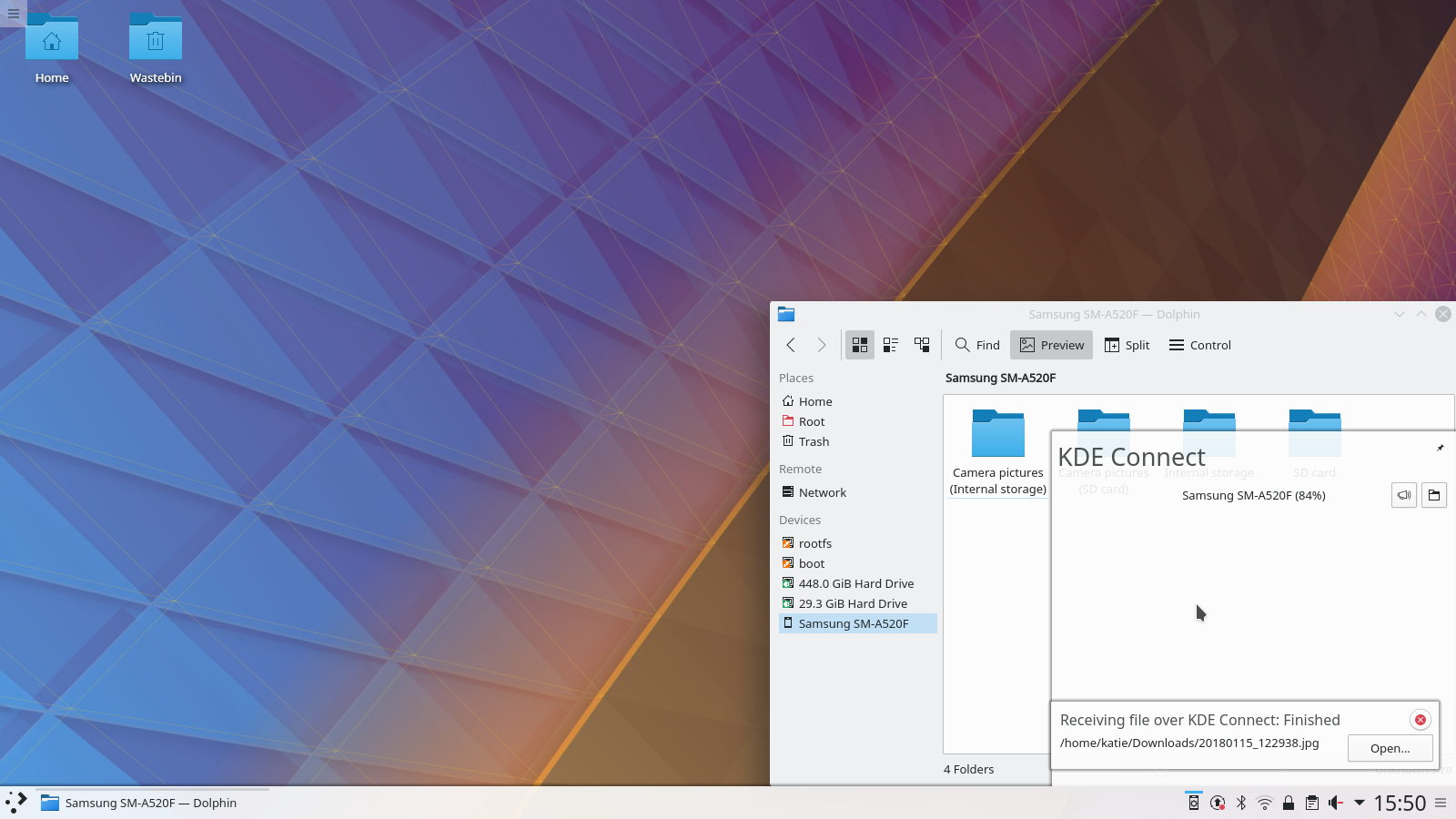
手機整合
Using KDE Connect you'll be notified on your desktop of text message, can easily transfer files, have your music silenced during calls and even use your phone as a remote control.
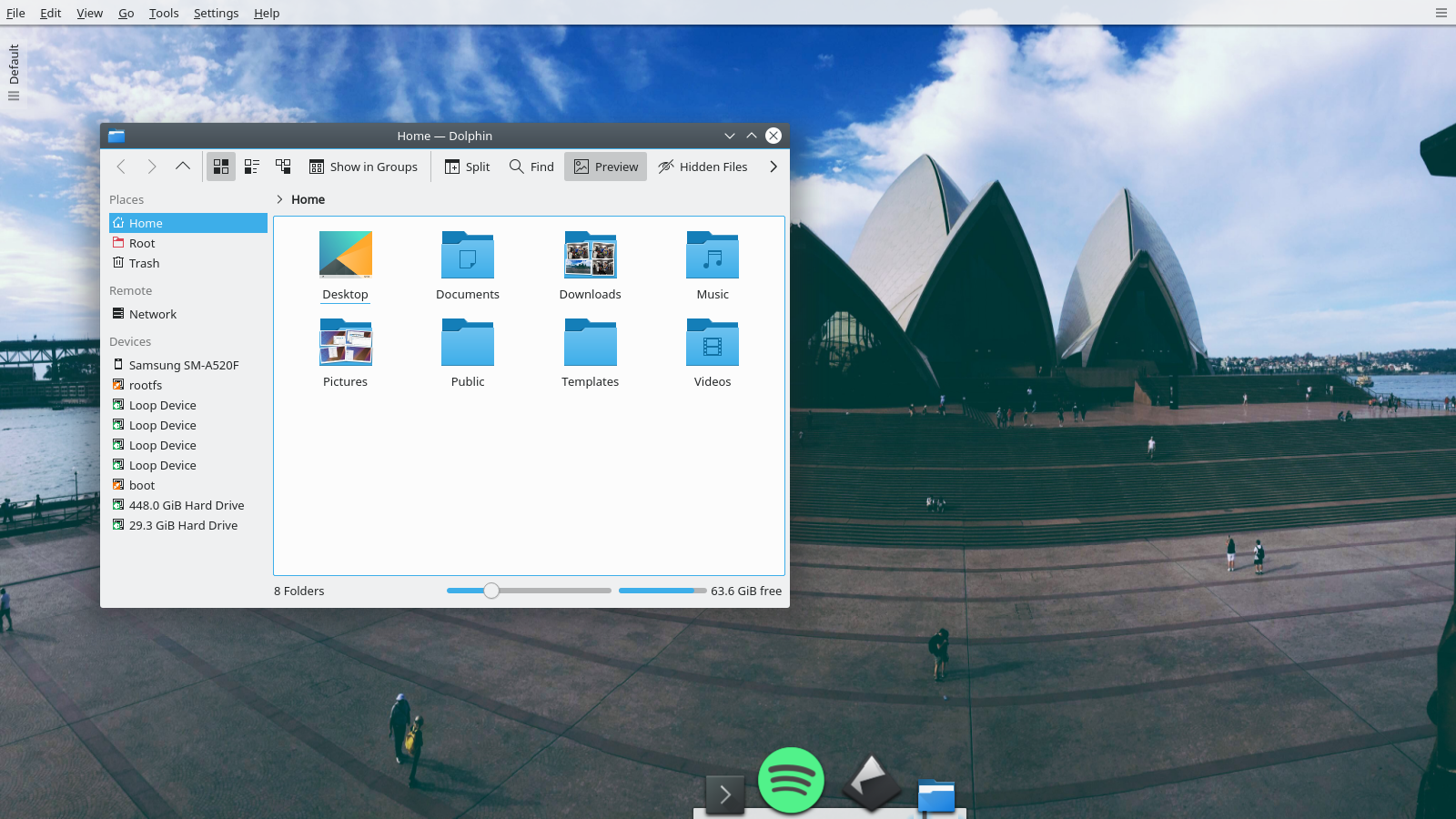
Infinitely Customisable
Plasma 預設簡潔,但是您可以利用新元件、面板、螢幕與風格來隨心所欲自訂它。
檢視完整變更紀錄嘗試使用 Plasma 的最簡單的方式是用 live 映像檔製作一個 live USB 開機隨身碟。使用 Docker 映像檔也是一個測試 Plasma 的快速又簡單的方式。
下載有 Plasma 的 live 映像檔 下載有 Plasma 的 Docker 映像發行版已建立(或正在建立)在我們的維基頁面上有列出的軟體包。
請注意,這個釋出的軟體包在此公告發布時可能尚未由各發行版所提供。
軟體包下載維基頁面您可以直接從原始碼安裝 Plasma。
來自社群的編譯說明 原始碼資訊頁面您可以透過我們的社群頻道提供給我們回饋或是獲得新資訊的更新:
在 KDE 論壇 上討論 KDE。
您可以透過 #Plasma Matrix 頻道) 或是 Plasma-devel 郵件論壇 直接向開發者們提供回饋,也可以透過 Bugzilla 回報問題。如果您喜歡團隊所做的事,請讓他們知道!
我們非常感謝您的回饋。
KDE 是歸功於許多志工捐獻時間與努力才存在並成長的自由軟體社群。KDE 總是歡迎新的志工與貢獻,不論是幫助寫程式、修正臭蟲或回報臭蟲、撰寫說明文件、進行翻譯、宣傳或是金錢貢獻。我們十分感謝且積極接受所有貢獻。請閱讀支持 KDE頁面以取得更多資訊,或是響應 Join the Game 行動成為 KDE e.V. 贊助成員。
KDE 是一個國際科技團隊,製作桌面與可攜式裝置用的自由開源軟體。KDE 的產品包含一個 Linux 與 UNIX 平台用的現代化桌面環境系統、完整的辦公室套裝軟體,以及許多種類的軟體,包含網際網路應用程式、多媒體、娛樂、教育、圖形與軟體開發用的應用程式。KDE 的軟體由志願譯者翻譯至超過 60 中語言,且設計為易用並符合現代無障礙使用的原則。KDE 的軟體功能完善,並能在 Linux、BSD、Windows、Haiku 及 macOS 上原生執行。
商標標示。
KDE® 和 K Desktop Environment® 圖示是 KDE e.V. 的註冊商標。
Linux 是 Linus Torvalds 的註冊商標。 UNIX 是 The Open Group 在美國和其他國家的註冊商標。
此公告中提及的其他所有商標與版權都是它們個別擁有者的財產。
關於更多資訊,請傳電子郵件給我們: press@kde.org