KDE 为 Windows 10 难民服务
无需升级电脑,照样升级到最新软件。
您的旧电脑将被强制淘汰
您的电脑运行的是 Windows 10 系统吗?随着微软计划在 10 月 14 日停止对它的支持,您的电脑也将面临被强制淘汰的风险。
只要电脑的硬件还能工作,即使微软停止对 Windows 10 的支持,您依然能使用它。然而还有别的因素迫使其成为被淘汰的对象。
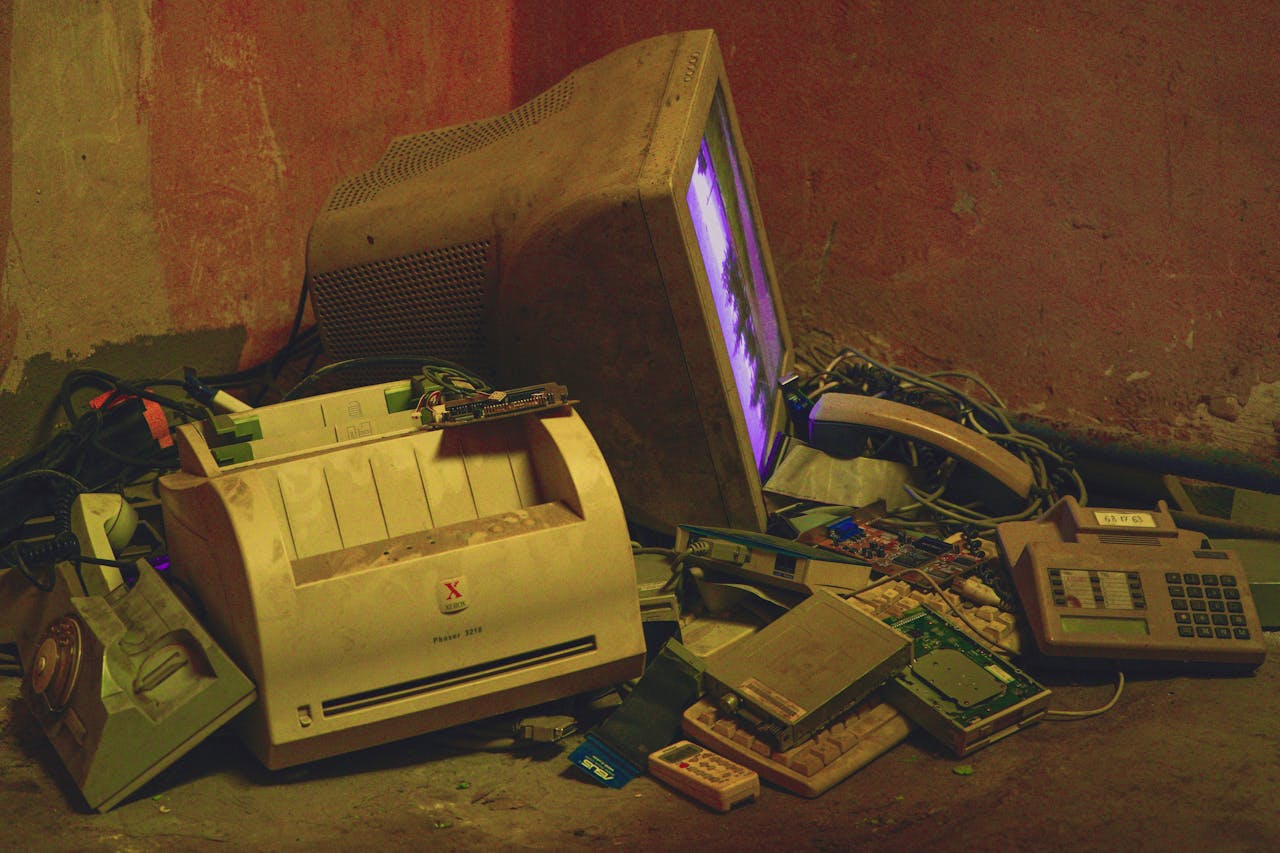
随着越来越多的漏洞被发现,而微软又不去修复这些问题,Windows 10 将变得越来越不可靠,而您也将暴露在被黑客攻击的风险之中。您的数据、身份以及对设备的控制权随时可能被盗取。
您的日常应用程序的新版本将逐步取消对 Windows 10 的支持,而微软又人为设置障碍,使得某些不符合他们规定的旧电脑无法升级到新版的 Windows,除非您 购买他们指定的新电脑。
您将被迫花费辛苦挣来的钱去购买本不必要的新电脑,制造和运输这台新设备所产生的排放物还会污染空气;而原本工作正常的旧电脑却被当作垃圾处理,污染土地和水源。这肯定不是你想要见到的。
即使您现在屈从了这个科技巨头的敲诈,没过上几年,他们一定还会故技重施,就像他们 在过去 做过的那样。
但屈从并不是唯一的选项。
您可以做什么
无需更换电脑,换用 Linux 操作系统 和 Plasma 桌面环境 即可。
Linux 操作系统能为您的笔记本电脑注入新的活力。通过与 KDE Plasma 桌面环境 相结合,您将获得 Linux 的安全性、稳定性和先进技术优势,同时拥有美观、现代且强大的图形环境的所有功能。
而且它们能在您现有的机器上运行。即使是 10 年、15 年前的电脑 也能流畅运行 Plasma。这是一个现代、安全的操作系统,不会让您失望。
您可以通过许多 Linux 发行版安装 Plasma,(详情请见我们的发行版列表)。
您可以自行安装 Linux——安装 Linux 已不像过去那么困难了,但别忘了仔细地阅读安装说明。
或者,如果您之前从未安装过操作系统,可以留意我们在世界各地举办的 活动 和 地点。带上您的设备前往这些活动,应该会有人帮您完成这一工作。
为什么选择 Plasma
选择 Plasma 替代 Windows 的部分理由:
Plasma 简单易用
Plasma 界面设计能让 Windows 10 用户感到宾至如归。其左下角的应用程序启动菜单、可以放置应用程序、文件和文件夹的工作区以及用于重要小部件的托盘,您可以迅速找到所需的一切功能。
Plasma 可以按需定制
Plasma 让您能够随意移动各种界面元素并根据个人喜好改变其外观。您可以将 Plasma 调整得像 Windows (任意版本)、macOS 或者是其他闭源操作系统不存在的风格。让 Plasma 成为您自己的专属桌面环境,与我们分享您的成果吧!
Plasma 自由免费
无论您要在 1 台还是 100 台电脑上安装 Plasma,它都是免费的。我们所有的代码都是开源的,而 KDE 本身是一个由志愿者运营的非营利组织。
Plasma 功能强大
Plasma 可不止是好看而已!它的 大量实用功能 让使用电脑成为一种享受。
您是否曾经觉得 1 个桌面不够用?许多 Linux 用户会使用 4 个桌面!只要您喜欢,桌面数量可以更多,而且您还可以将它们拼接成立方体风格切换显示。
如果您是技术爱好者,需要连接到您的网站服务器来更新博客,或者连接到云服务上传照片,亦或是连接到代码仓库进行开发——只需打开 Dolphin,Plasma 的文件资源管理器,然后使用其连接工具,其中包括 FTP/SSH 客户端、云服务集成软件、Git/SVN/Mercurial 等等。想要了解如何使用 Plasma 提升工作效率,请查看我们的 KDE 为开发者服务 页面。
需要在家远程连接到办公室的电脑来发送报告,或者帮助同事解决某个问题?Plasma 内置了 **桌面共享 ** 系统。
做好心理准备
您可能在想,在 Windows 上能做的事在 Linux 和 Plasma 下面是否还能做。
在使用了多年的 Windows 系统之后,Linux 确实需要一些时间来适应,而且您可能需要不同的程序来进行工作和娱乐。
但有三个心态上的提示能让过渡变得更容易:
1、学会依靠自由软件社区
学会大胆提问。Linux 用户为自己的选择感到自豪,他们会很乐意为你指引方向,让你很快就能得心应手。
如果您需要别人帮助安装 Linux,可以前往我们组织的各场 Win 10 末日 (End Of 10) 活动寻求帮助。
这里还有一些 由 KDE 社区运营的网站,它们欢迎并鼓励新用户参与讨论:
- KDE Discuss 论坛 (提问需要免费注册)
- KDE 用户支持聊天室 (需要免费注册)
- KDE 邮件列表 (免费订阅)
2、学会放弃原封不动地照搬 Windows 的使用习惯。
转而寻找能在 Linux 系统上完成同样工作的替代应用。
许多 Linux 系统都预装了最常用的软件。这能让您迅速上手:Firefox用于浏览网页;LibreOffice 包含了您编写文档、制作电子表格、设计演示文稿等所需的程序;Okular 可以打开、签署和注释 PDF (以及许多其他类型的文档)。
这些软件都是全功能、可一直使用的软件,而不是许多原装机中常见的试用版或者垃圾预装软件。这就是自由软件的意义所在。
当你需要更专业的应用程序时——
3、学会信任您的软件包管理器
Linux 软件包管理器为您提供了一个庞大的软件目录。Plasma 配备了 Discover,这是一款应用商店/软件管理器。
它主要包含自由和开源软件,以及一个直观的搜索功能。如果您不知道所需应用程序的名称,可以在“搜索”框中输入一些与您想要实现的功能相关的关键词,Discover 就会给出建议。
Flatpak 等类似打包服务提供了额外的软件,它们也可以通过 Discover 安装。
您不应该做什么
别在网上到处找软件!Linux 系统注重保障您的安全,使用上述资源就能找到绝大多数您需要的软件。
您将失去什么
您必须备份好所有的文件和文件夹,这需要一些规划,但并不难。买一个 USB 接口的外置硬盘,把想要保存的东西全部存到上面。之后在 Plasma 中也照样能读取这些内容。
至于其他方面,大多数硬件都会得到支持 (如 Wi-Fi/蓝牙和显卡,甚至数位板等) 都会被系统直接自动识别并完成配置——无需再费力寻找驱动程序。
同时你却可以与所有这些糟心事说再见:
再也没有病毒和相关诈骗
针对 Linux 系统的病毒几乎闻所未闻,所以您大可不必为此担忧。您也不会被骗人的防病毒软件弹窗所骚扰。
再也没有广告
你可能觉得电脑自带的 Windows 是免费的,但实际上它是有代价的。微软经常在你的桌面、免费应用程序、应用程序启动菜单、帮助和指南,甚至文件浏览器中插入广告。他们甚至会无耻地在全屏展示即将推出的软件广告。这些广告会消耗你的带宽和电量,降低操作系统的性能,以各种方式干扰你的日常工作。而 Plasma 中绝不会发生这些情况。
再也没有间谍软件的窥探
再也不会有隐藏进程监视你在每个应用程序中输入的每一个字。你的文档在再也不会在你不知情的情况下被上传到别人的云服务以训练他们的 AI,窃取你的工作成果为他人谋利。KDE 是由志愿者运营的慈善机构,不是一家商业公司,我们不追求商业利益。我们对您的个人数据没有兴趣,并且会坚决帮助您保护它们。

再也没有强制更新
当有更新可用时,系统会在通知或系统托盘中显示一个低调的图标提醒您。您可以选择何时更新——现在、晚上,或改天——您拥有完全的控制权!
再也没有默认应用程序遭到篡改
您可以指定使用哪款应用程序来打开哪些文件。您将始终完全掌控哪个应用程序在何时执行何种操作。一旦您选定某个应用程序来打开特定类型的文件或将其设为默认网络浏览器,系统就会一直遵循您的选择。您的系统您做主。
再也没有强制注册、订阅或隐藏费用
您不需要注册微软或者任何其他公司的账号,也不需要为任何您用不上的内容付费订阅。
实际上,除非您在进行需要连接互联网的操作,比如将照片上传至云端、在社交媒体上发布内容或在线播放电影,否则 Plasma 根本不需要连接互联网就能提供所有功能。
能在本机完成的操作,全都会在本机中完成,在本机之外的任何地方都不会得知您在本机中做了什么。
你还在等什么呢?
立即行动起来,将 Windows 清除出您的电脑,节省开支,保护地球,尽情享受使用电脑应有的乐趣吧!
您还可以前往 Win 10 末日 (End of 10) 活动网站 了解更多相关信息。