Canlı Kalıplar
Bunu denemenin en kolay yolu, bir USB diskten başlatılan canlı bir kalıptır. Docker kalıpları da, Plasma’yı sınamanın hızlı ve kolay bir yolunu sağlar.
Plasma’yı içeren canlı kalıpları indir Plasma’yı içeren Docker kalıplarını indir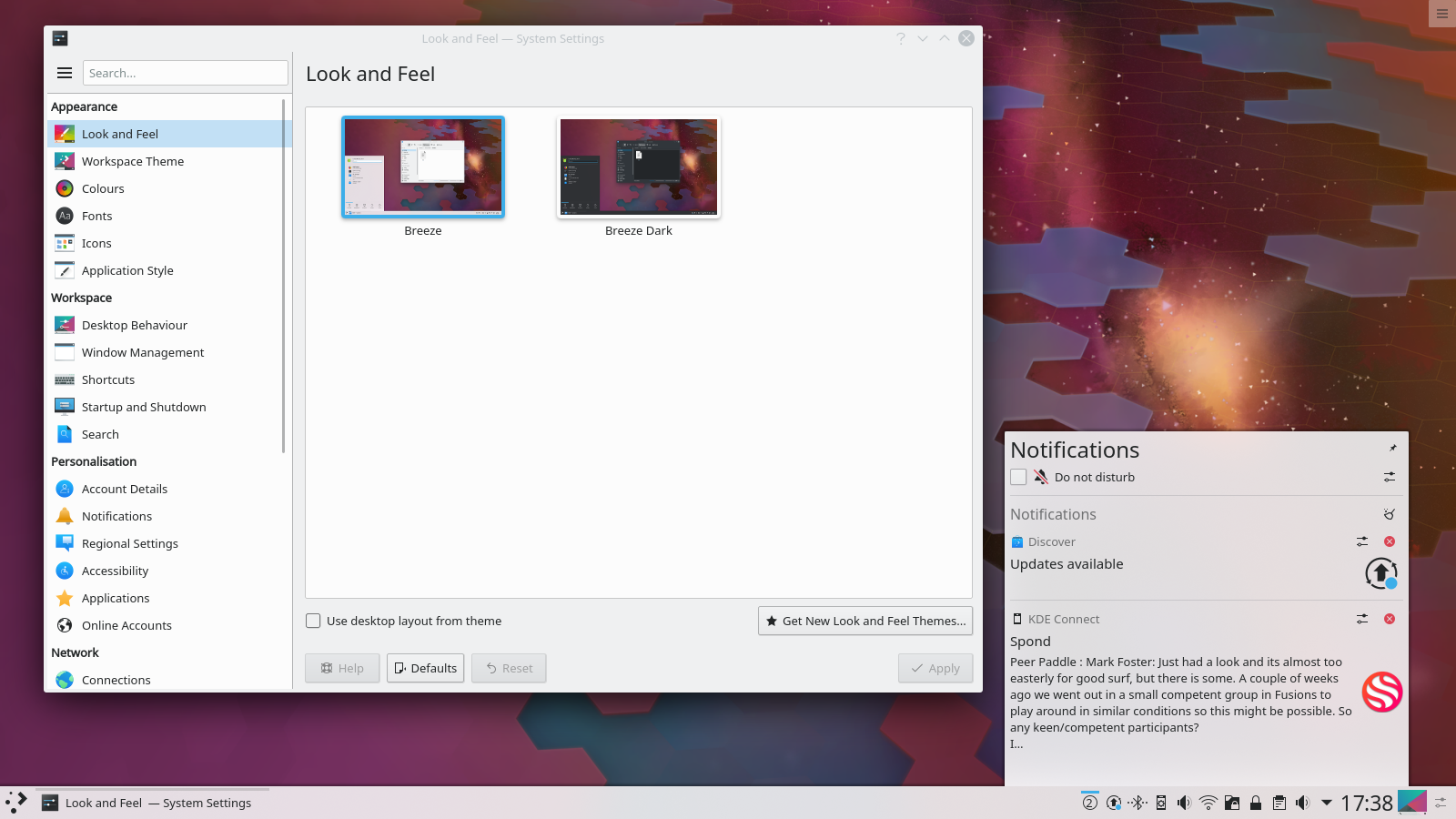
KDE Plasma 5.16 Beta
16 Mayıs 2019 Perşembe
Bugün KDE, Plasma 5.16’nın beta sürümünü piyasaya sürüyor.
In this release, many aspects of Plasma have been polished and rewritten to provide high consistency and bring new features. There is a completely rewritten notification system supporting Do Not Disturb mode, more intelligent history with grouping, critical notifications in fullscreen apps, improved notifications for file transfer jobs, a much more usable System Settings page to configure everything, and many other things. The System and Widget Settings have been refined and worked on by porting code to newer Kirigami and Qt technologies and polishing the user interface. And of course the VDG and Plasma team effort towards Usability & Productivity goal continues, getting feedback on all the papercuts in our software that make your life less smooth and fixing them to ensure an intuitive and consistent workflow for your daily use.
For the first time, the default wallpaper of Plasma 5.16 will be decided by a contest where everyone can participate and submit art. The winner will receive a Slimbook One v2 computer, an eco-friendly, compact machine, measuring only 12.4 × 12.8 × 3.7 cm. It comes with an i5 processor, 8 GB of RAM, and is capable of outputting video in glorious 4K. Naturally, your One will come decked out with the upcoming KDE Plasma 5.16 desktop, your spectacular wallpaper, and a bunch of other great software made by KDE. You can find more information and submitted work on the competition wiki page, and you can submit your own wallpaper in the subforum.
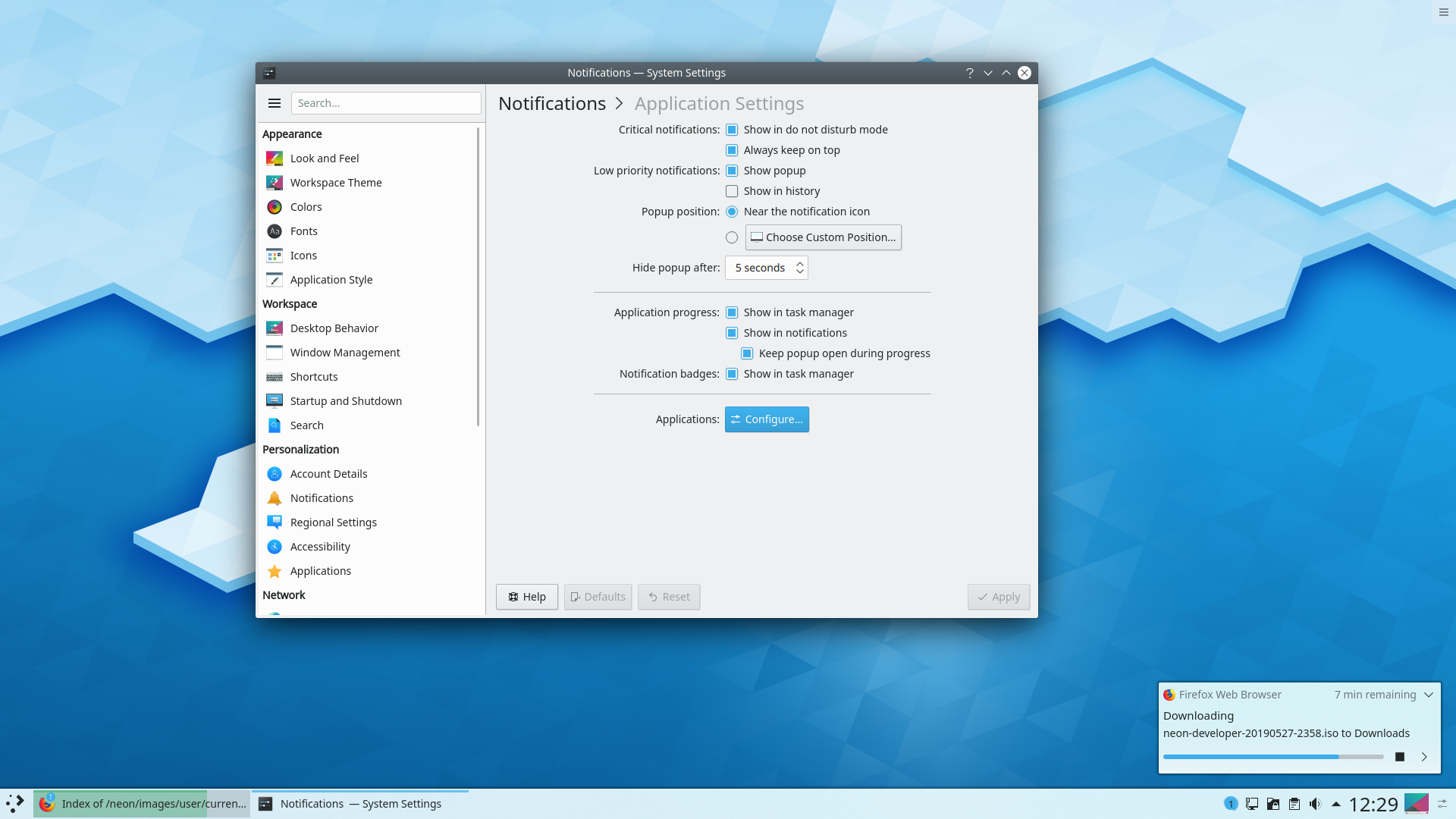
Yeni Bildirimler
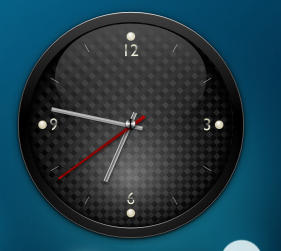
Theme Engine Fixes for Clock Hands!
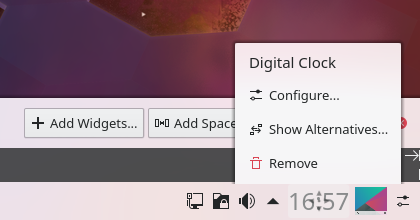
Panel Editing Offers Alternatives
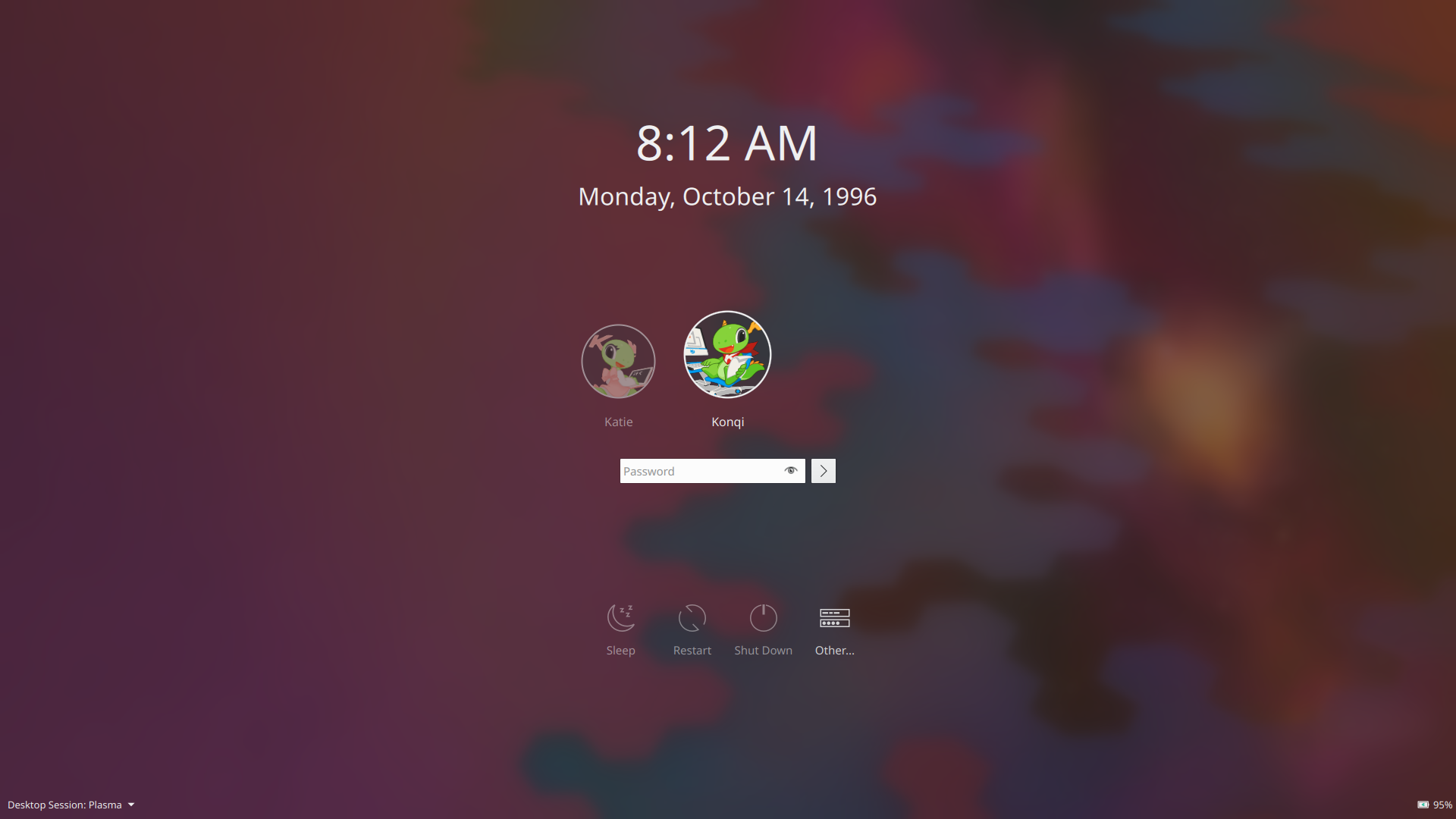
Oturum Açma Ekranı Teması İyileştirildi
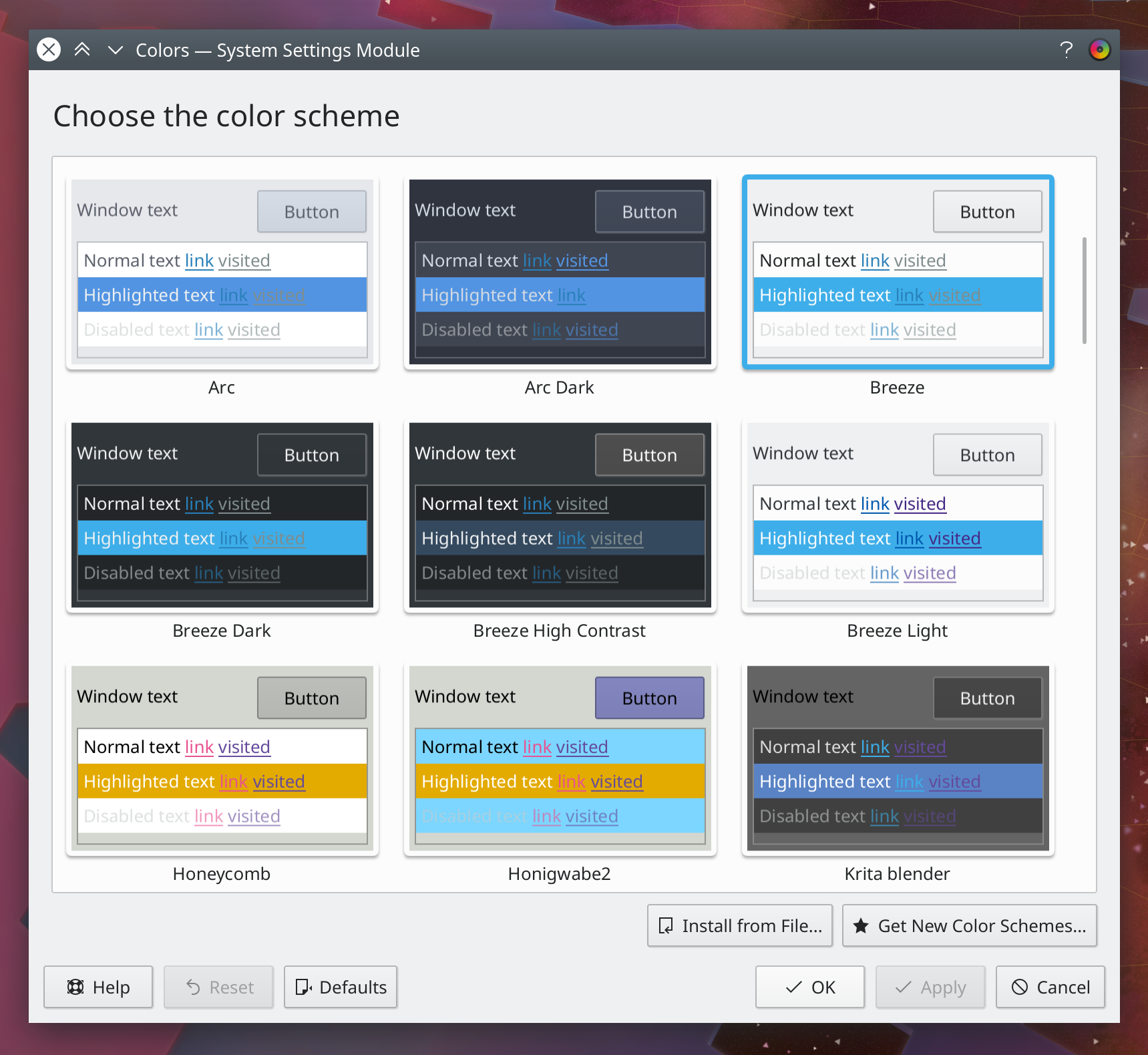
Renk Şeması
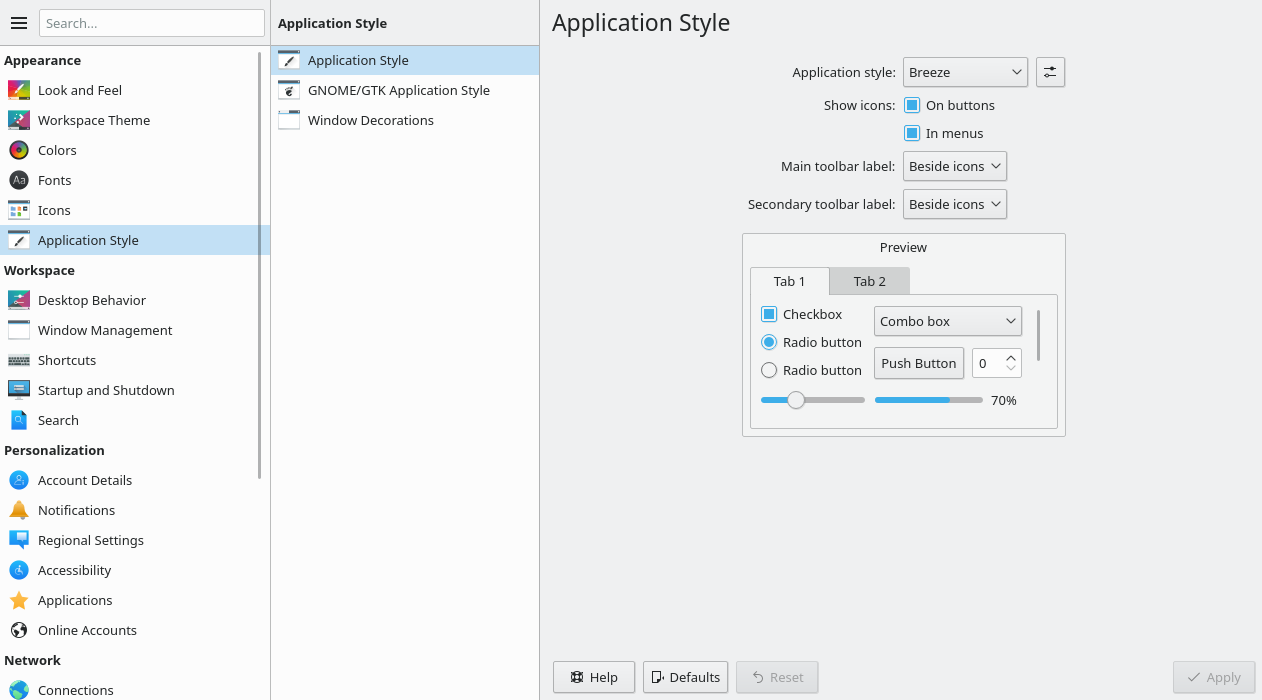
Uygulama Biçemi ve Görünüşü Ayarları
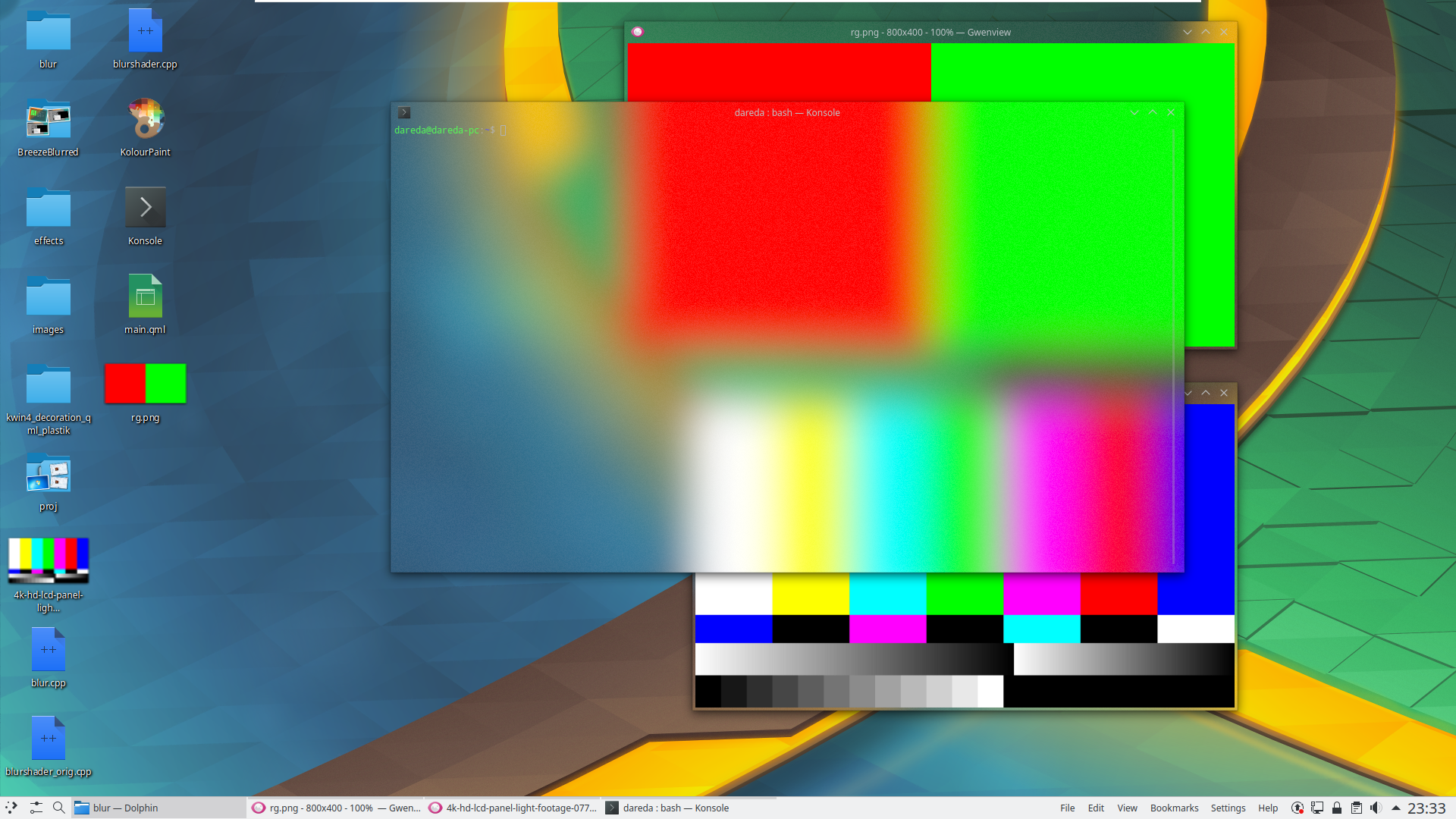
Pencere Yönetimi
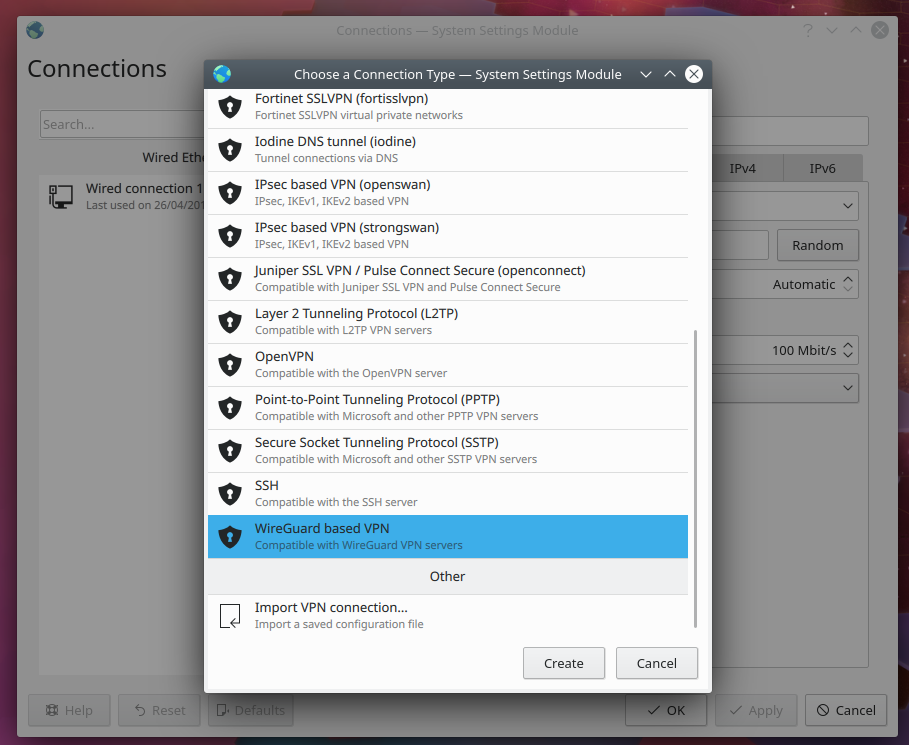
Wireguard ile Plasma Ağ Yöneticisi
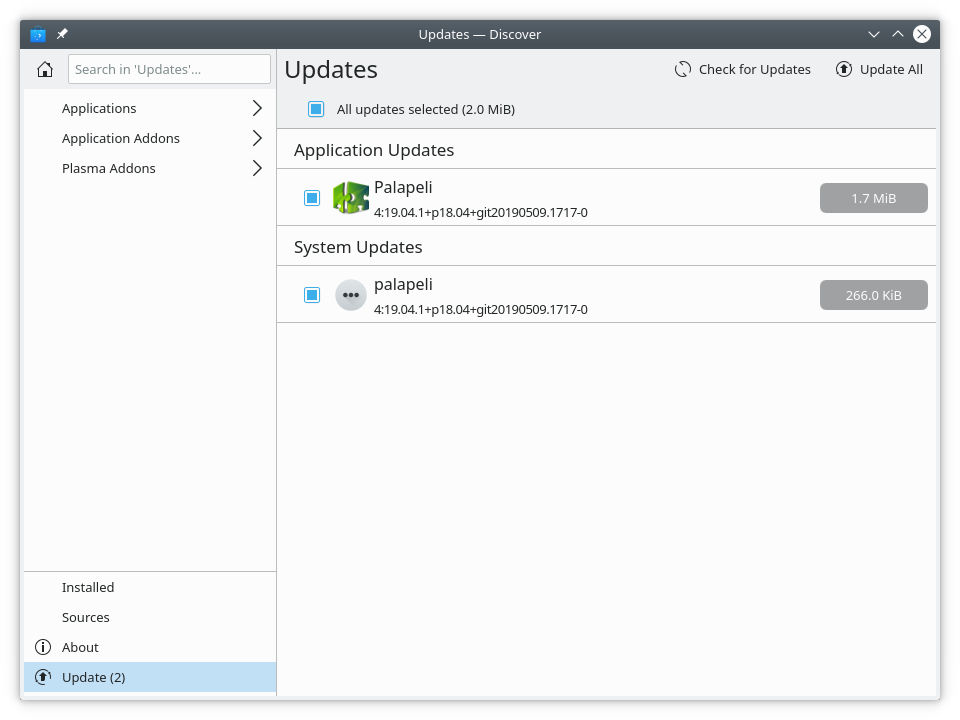
Keşfet’teki güncellemeler
Bunu denemenin en kolay yolu, bir USB diskten başlatılan canlı bir kalıptır. Docker kalıpları da, Plasma’yı sınamanın hızlı ve kolay bir yolunu sağlar.
Plasma’yı içeren canlı kalıpları indir Plasma’yı içeren Docker kalıplarını indirDağıtımlar, viki sayfamızda listelenen paketleri oluşturmuş veya oluşturma sürecindedir.
Bu yayımın paketleri, duyuru tarihinde tüm dağıtımların paket depolarında var olmayabilir.
Paket indirme viki sayfasıPlasma’yı doğrudan kaynak kodundan kurabilirsiniz.
Derlemek için topluluk yönergeleri Kaynak bilgisi sayfasıSosyal medya kanallarımızdan bize geri bildirimde bulunabilir ve güncellemeleri alabilirsiniz:
KDE Forumlarında KDE ile ilgili konuları tartışın.
#Plasma Matrix kanalından, plasma-devel posta listesinden veya Bugzilla üzerinden geliştiricilere doğrudan geri bildirimde bulunabilirsiniz. Takımın yaptıkları hoşunuza gidiyorsa lütfen onlara söyleyin!
Geri bildirimleriniz bizim için çok önemlidir.
KDE, yalnızca birçok gönüllünün zaman ve emeğini sayesinde yaşayan bir Özgür Yazılım topluluğudur. KDE her zaman yeni gönüllülere ve onların katkılarına gereksinim duyar; bu kod katkısı, hata düzeltmeleri veya bildirimleri, belgelendirme yazımı, çeviriler, promosyon, para bağışı olabilir. Her bir katkı bizim için çok değerlidir ve memnuniyetle kabul edilir. Daha fazla bilgi veya Oyuna Katıl programı çerçevesinde bir KDE e.V. destekçi üyesi olmak için lütfen KDE’yi Destekle sayfasını okuyun.
KDE, masaüstü ve taşınabilir bilgi işlem için ücretsiz ve açık kaynaklı yazılımlar oluşturan uluslararası bir teknoloji takımıdır. KDE’nin ürünleri arasında Linux ve UNIX platformları için çağdaş bir masaüstü sistemi, kapsamlı ofis üretkenliği ve grup yazılımı paketleri, çoklu ortam, eğlence, eğitim, grafik ve yazılım geliştirme ve İnternet ve web uygulamaları da dahil birçok kategoride yüzlerce yazılım başlığı bulunmaktadır. KDE yazılımları 60’tan fazla dile çevrilmiştir ve kullanım kolaylığı ve çağdaş erişilebilirlik ilkeleri göz önünde bulundurularak oluşturulmuştur. KDE’nin tam özellikli uygulamaları yerel olarak Linux, BSD, Windows, Haiku ve macOS üzerinde çalışır.
Ticari Marka Bildirimleri.
KDE® ve K Masaüstü Ortamı® logosu, KDE e.V.’nin tescilli ticari markalarıdır.
Linux, Linus Torvalds’ın tescilli ticari markasıdır. UNIX, The Open Group’un Amerika Birleşik Devletleri ve diğer ülkelerdeki tescilli ticari markasıdır.
Bu duyuruda atıfta bulunulan diğer tüm ticari markalar ve telif hakları ilgili sahiplerinin mülkiyetindedir.
Daha fazla bilgi için bize bir e-posta gönderin: press@kde.org