Обновление приложений KDE в июне 2020 года
Всегда радостно, когда семья KDE растёт. Поэтому в этом месяце мы особенно рады приветствовать менеджер резервного копирования Kup и новый проект упаковки: Homebrew.
Новые выпуски
Kup 0.8
Kup — инструмент резервного копирования для сохранения файлов.
Ранее оно разрабатывалось вне KDE, но в прошлом месяце успешно прошло процесс инкубации и присоединилось к нашему сообществу, став официальным проектом KDE. Ведущий разработчик Simon Persson отметил это событие новым выпуском.
Вот изменения в новой версии:
- Изменён способ хранения резервных копий типа rsync при выборе только одной исходной папки. Это изменение снижает риск удаления файлов пользователем, выбравшим непустую папку в качестве назначения. Добавлен код миграции для обнаружения и перемещения файлов при первом запуске, что позволяет избежать повторного копирования всего содержимого и удвоения занимаемого места.
- Добавлена опция для указания файла, из которого Kup читает шаблоны исключения, например для запрета сохранения файлов *.bak.
- Изменены настройки по умолчанию, они должны работать лучше.
- Снижено количество предупреждений о файлах, которые не включены, так как они вызывали слишком много ложных срабатываний.
- Kup больше не запрашивает пароль для разблокировки зашифрованных внешних накопителей только для показа доступного пространства.
- Исправлено некорректное определение резервного копирования как неудачного только из-за пропавших во время операции файлов — для rsync и bup.
- Запущены параллельные проверки целостности резервных копий и их исправление в зависимости от количества процессоров.
- Добавлена поддержка метаданных bup версии 3, добавленных в bup версии 0.30.
- Множество мелких исправлений пользовательского интерфейса.
Kup может создавать резервные копии с помощью rsync или выполнять версионирование резервных копий инструментом Bup на Python. Bup в настоящее время работает только с Python 2, поэтому эта возможность недоступна во многих дистрибутивах, но ведётся работа над портированием на Python 3.
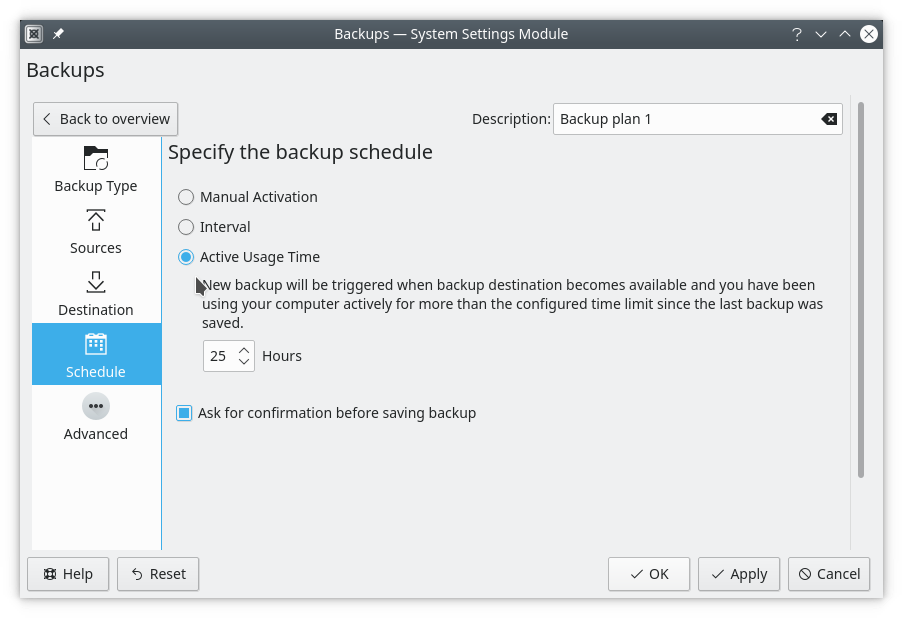
Чтобы узнать больше о Kup, Average Linux User подготовил обзор и недавно выпустил видео об этой программе:
Krita для планшетов Android
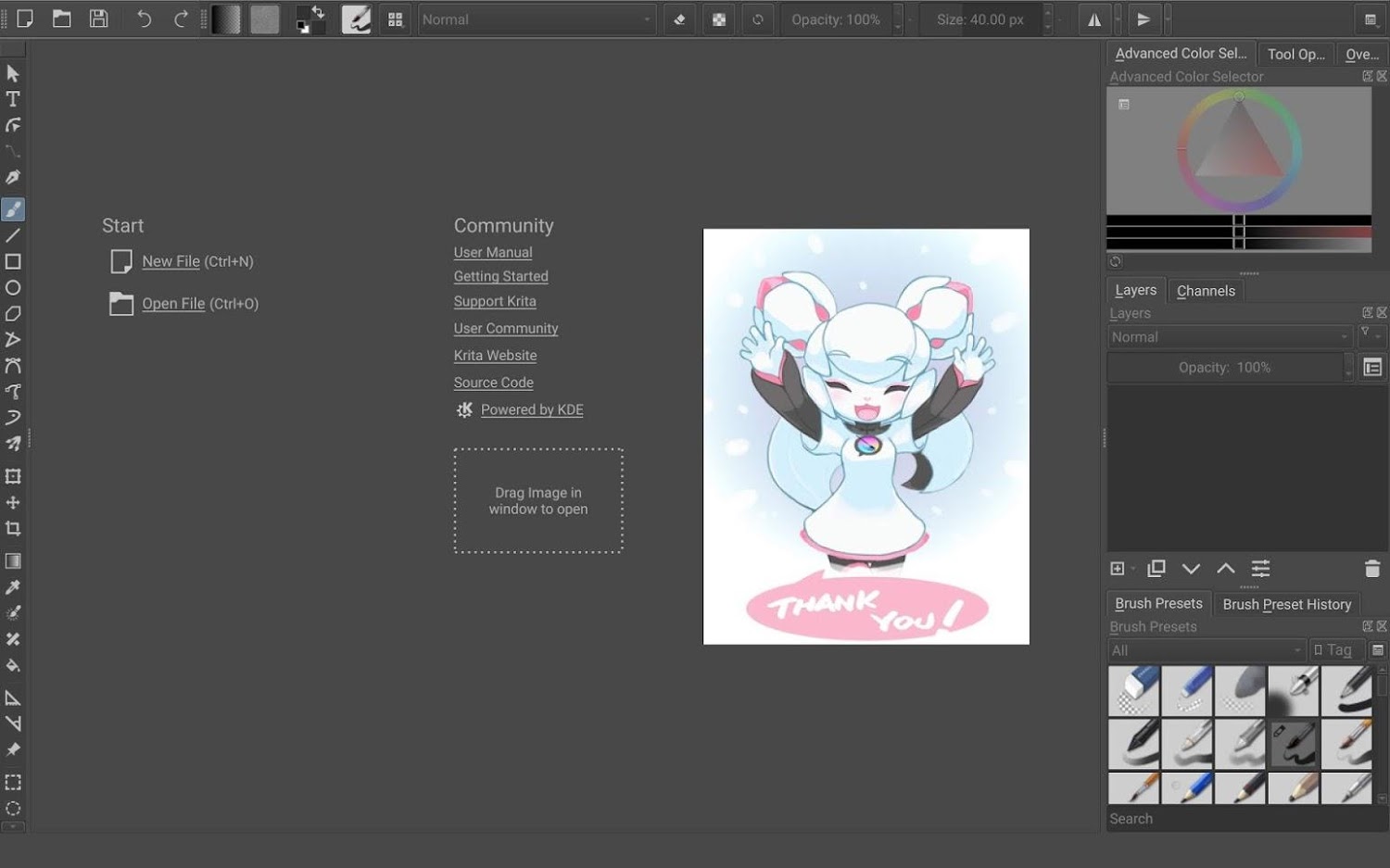
Благодаря усердной работе Sharaf Zaman Krita теперь доступна в Google Play Store для планшетов и Chromebook на Android (но не для телефонов на Android).
Эта бета-версия на основе Krita 4.2.9 — полная настольная версия Krita, поэтому у неё нет специального интерфейса для сенсорного управления. Однако он присутствует, и вы можете с ним экспериментировать.
В отличие от магазинов Windows и Steam, Krita распространяется бесплатно в этом магазине, так как это единственный способ установить Krita на эти устройства. Однако вы можете приобрести значок сторонника в самом приложении Krita для поддержки разработки.
Установка
- Установите Krita из Google Play
- Либо перейдите в Play Store на вкладку «Ранний доступ» и найдите org.krita. (См. официальные указания Google о раннем доступе. Пока число загрузок невелико, придётся немного пролистать список вниз.)
- Также возможно загрузить файлы apk самостоятельно. НЕ обращайтесь за помощью в установке этих файлов.
- Это все официальные источники. Не устанавливайте Krita из других источников: их безопасность не гарантируется.
Примечания
- Поддерживаются планшеты на Android и Chromebook. Поддерживаемые версии Android: Android 6 (Marshmallow) и выше.
- В настоящее время не поддерживаются телефоны на Android.
- Если установлена одна из сборок Sharaf Zaman или сборка, подписанная вами самостоятельно, сначала удалите её — для всех пользователей!
Грядущие выпуски
В этом месяце состоялся первый бета-выпуск KIO Fuse.
Исправления ошибок
Вышли выпуски с исправлениями ошибок:
- Tellico — приложение для ведения коллекций: обновлён диалог фильтрации, теперь возможен поиск по пустому тексту.
- SMB4K — обозреватель локальной сети: исправлено сохранение параметров при закрытии.
- KDevelop — среда разработки: обновление в связи с переездом репозиториев KDE.
Каталоги приложений

В Linux постепенно привыкают к установке отдельных приложений из магазина, а в мире macOS и Windows происходит обратное: там появляются менеджеры пакетов — для тех, кому удобно управлять всем в системе из одного источника.
Ведущий репозиторий пакетов с открытым исходным кодом для macOS — Homebrew; им занимается сильная команда разработчиков, в которую входит в том числе бывший разработчик KDE Mike McQuaid.
В этом месяце проект KDE Homebrew, который какое-то время развивался вне KDE, вошёл в KDE и стал полноправной частью сообщества.
Возможно подключить репозиторий KDE Homebrew для macOS и загрузить исходный код KDE, уже собранный и готовый к запуску.
Мы побеседовали с ведущим разработчиком Yurii Kolesnykov и расспросили его о проекте.
Расскажите о себе: как вас зовут, откуда вы, чем вас привлекают KDE и Mac, чем вы зарабатываете на жизнь?
Меня зовут Yurii Kolesnykov, я из Украины. Свободное программное обеспечение увлекло меня с тех пор, как я о нём узнал, — примерно в конце школы. По-моему, KDE — просто лучшая рабочая среда для Linux и Unix, и приложений в ней множество, причём отличных. А интерес к Mac идёт от основной работы: я зарабатываю разработкой мобильных программ для iOS.
Что такое Homebrew?
Homebrew — самый популярный менеджер пакетов для macOS, такой же, как apt или yum. Поскольку macOS — это Unix, а Apple даёт для неё хороший компилятор и набор инструментов, менеджеры пакетов для неё написать было кому: благодаря им на Mac возможно установить множество свободных программ с открытым исходным кодом. Есть у Homebrew и подпроект Homebrew Cask — он позволяет устанавливать двоичные приложения, то есть проприетарные и с графическим интерфейсом. Дело в том, что приложения с графическим интерфейсом плохо встраиваются в систему, если установлены через сам Homebrew.
Какие пакеты KDE вы подготовили для Homebrew?
Я прямо сейчас выполнил grep по нашему репозиторию: всего 110 пакетов, из них 67 — фреймворки и около 39 — приложения. Самые популярные приложения у нас уже есть: Kate, Dolphin, KDevelop — их просили пользователи.
Что нужно сделать пользователю Mac, чтобы установить приложения?
Сначала, если Homebrew ещё не установлен, пройдите по руководству по его установке — оно доступно на brew.sh. Затем подключите наш репозиторий командой:
brew tap kde-mac/kde https://invent.kde.org/packaging/homebrew-kde.git
К сожалению, многие пакеты KDE не работают сразу после установки, но мы написали сценарий, который вносит все необходимые поправки. Поэтому после подключения репозитория выполните команду:
"$(brew --repo kde-mac/kde)/tools/do-caveats.sh"
Известно ли вам, насколько Homebrew популярен как способ установки приложений на Mac?
Хороший вопрос. К сожалению, сбор статистики мы пока не настроили — добавлю это в список дел. Но если учесть, что Homebrew — самый популярный менеджер пакетов для Mac и что из-за конфликтов его не рекомендуется сочетать с другими подобными проектами на одной машине… То да, думаю, он довольно популярен.
Сколько труда потребовалось, чтобы приложения KDE заработали в Homebrew?
Пока мы готовили нынешние пакеты, множество типовых затруднений уже разобрано, так что добавлять новые программы теперь сравнительно просто. Обещаю написать об этом руководство: пользователи просили уже не раз.
Сейчас пакеты приходится собирать на своей машине. Появятся ли готовые собранные пакеты?
Homebrew позволяет устанавливать программы через Bottles — заранее собранные двоичные пакеты. Но сборка bottles тесно связана с инфраструктурой Homebrew: перед упаковкой каждый пакет должен пройти непрерывную интеграцию с тестами. Поэтому мы решили перенести в основной репозиторий brew как можно больше пакетов, чтобы снять с себя бремя сопровождения.
Много ли в Homebrew других программ для настольных систем?
Да. Как правило, если приложение популярно и распространяется не только через Mac AppStore, очень велика вероятность, что оно уже устанавливается через Brew Cask.
Чем авторы приложений KDE могут помочь продвижению своих программ в Homebrew?
Техника Apple очень дорогая, так что покупать Mac каждому разработчику KDE — затея неудачная. Поэтому пока мы ждём от них запросов на новые возможности в нашем репозитории. Дальше сопровождающие или пользователи Homebrew KDE сообщают об ошибках, если что-то работает не так, как задумано. Мы же стараемся давать разработчикам KDE как можно больше сведений по их запросам. Правда, сейчас у нас скопилось много незакрытых обращений по приложениям KDE с мелкими, но очень досадными ошибками. Надеюсь, со временем мы теснее срастёмся с инфраструктурой KDE — например, сможем связывать ошибки в нашем репозитории с исходными проектами. Мы уже перешли на KDE Invent и надеюсь, что KDE Bugs вскоре переедет с Bugzilla туда же.
Другой способ собрать приложения KDE для Mac — Craft. Чем сборки Homebrew отличаются от сборок Craft?
Я по-прежнему считаю, что Homebrew дружелюбнее к конечному пользователю. Установка сводится к запуску одной строки. А чтобы подключить наш репозиторий и начать ставить приложения из него, нужно выполнить ещё две.
Спасибо за уделённое время, Yurii.
Выпуски 20.04.2
Некоторые проекты выпускаются по собственному графику, а некоторые — массово. Комплект проектов версии 20.04.2 был выпущен сегодня и вскоре появится в магазинах приложений и дистрибутивах. Подробности см. на странице выпусков 20.04.2.
Некоторые из исправлений в этих выпусках:
- Запись разбивается на несколько запросов для SFTP-серверов, ограничивающих размер передачи
- В Konsole обновляется положение курсора для методов ввода (например, IBus или Fcitx), и приложение больше не завершается с ошибкой при закрытии через меню.
- KMail создаёт более качественный HTML при добавлении HTML-подписи к письмам.
Примечания к выпуску 20.04 • Страница загрузки пакетов • Страница сведений об исходном коде 20.04.2 • Полный список изменений 20.04.2