라이브 이미지
체험해 보는 가장 쉬운 방법은 USB 디스크에서 라이브 이미지를 부팅하는 것입니다. Plasma를 테스트해 보려면 Docker 이미지를 사용할 수도 있습니다.
Plasma 라이브 이미지 다운로드 Plasma Docker 이미지 다운로드
KDE Plasma 5.14 베타
2018년 9월 13일 목요일
Today KDE launches the beta release of Plasma 5.14.
Plasma is KDE's lightweight and full featured Linux desktop. For the last three months we have been adding features and fixing bugs and now invite you to test the beta pre-release of Plasma 5.14.
A lot of work has gone into improving Discover, Plasma's software manager, and, among other things, we have added a Firmware Update feature and many subtle user interface improvements to give it a smoother feel. We have also rewritten many effects in our window manager KWin and improved it for slicker animations in your work day. Other improvements we have made include a new Display Configuration widget which is useful when giving presentations.
Please test and send us bug reports and feedback. The final release is scheduled for three weeks' time.
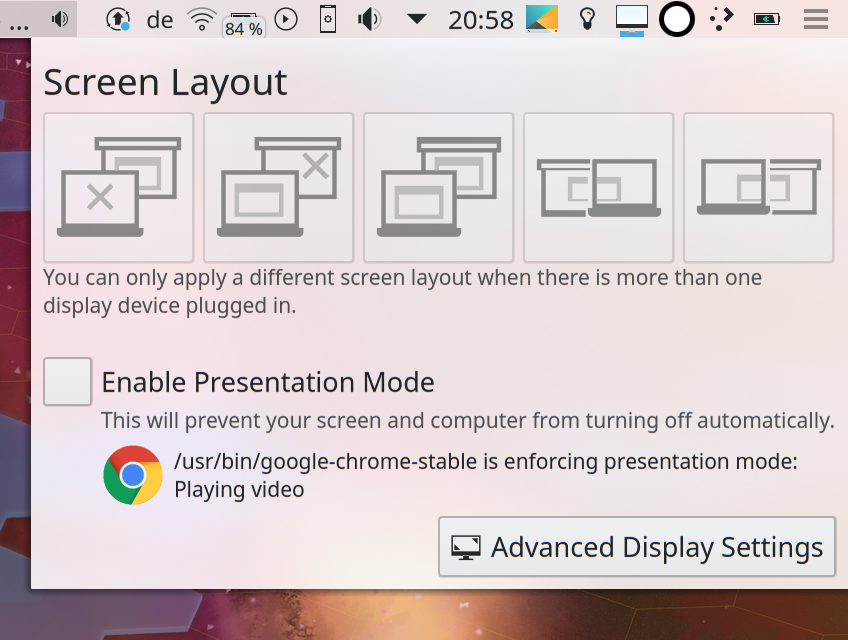
디스플레이 설정 위젯
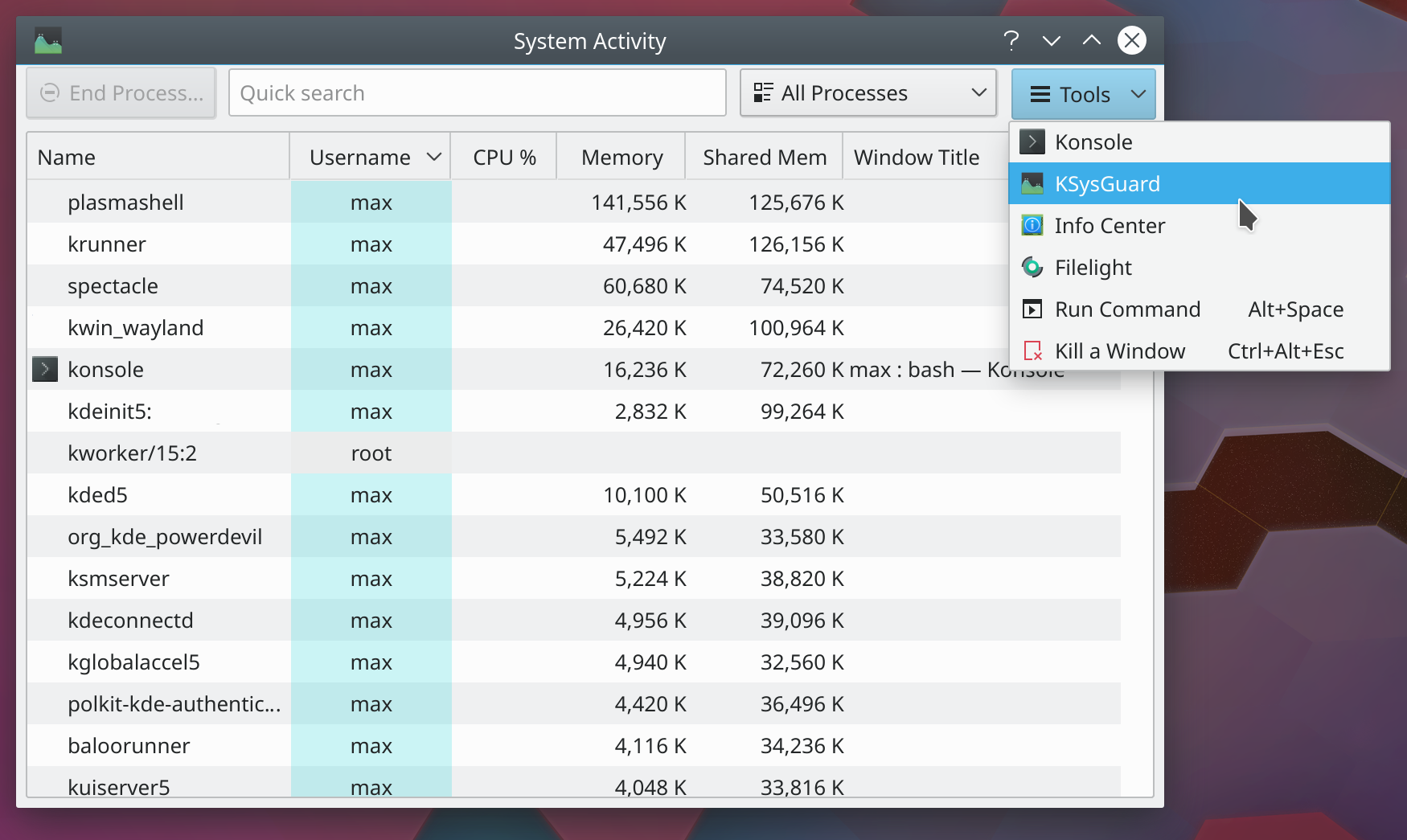
시스템 모니터 도구
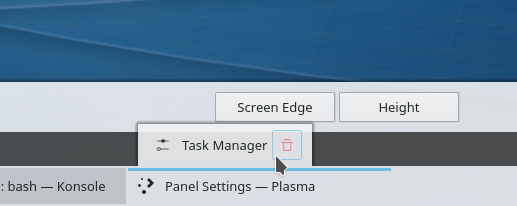
이전 패널 위젯 편집 메뉴
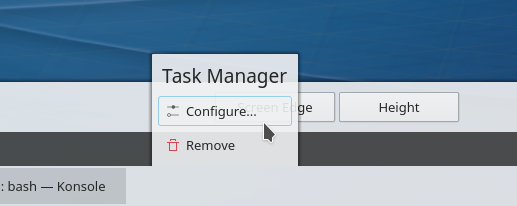
이전 스타일과 새 스타일의 패널 위젯 편집 메뉴
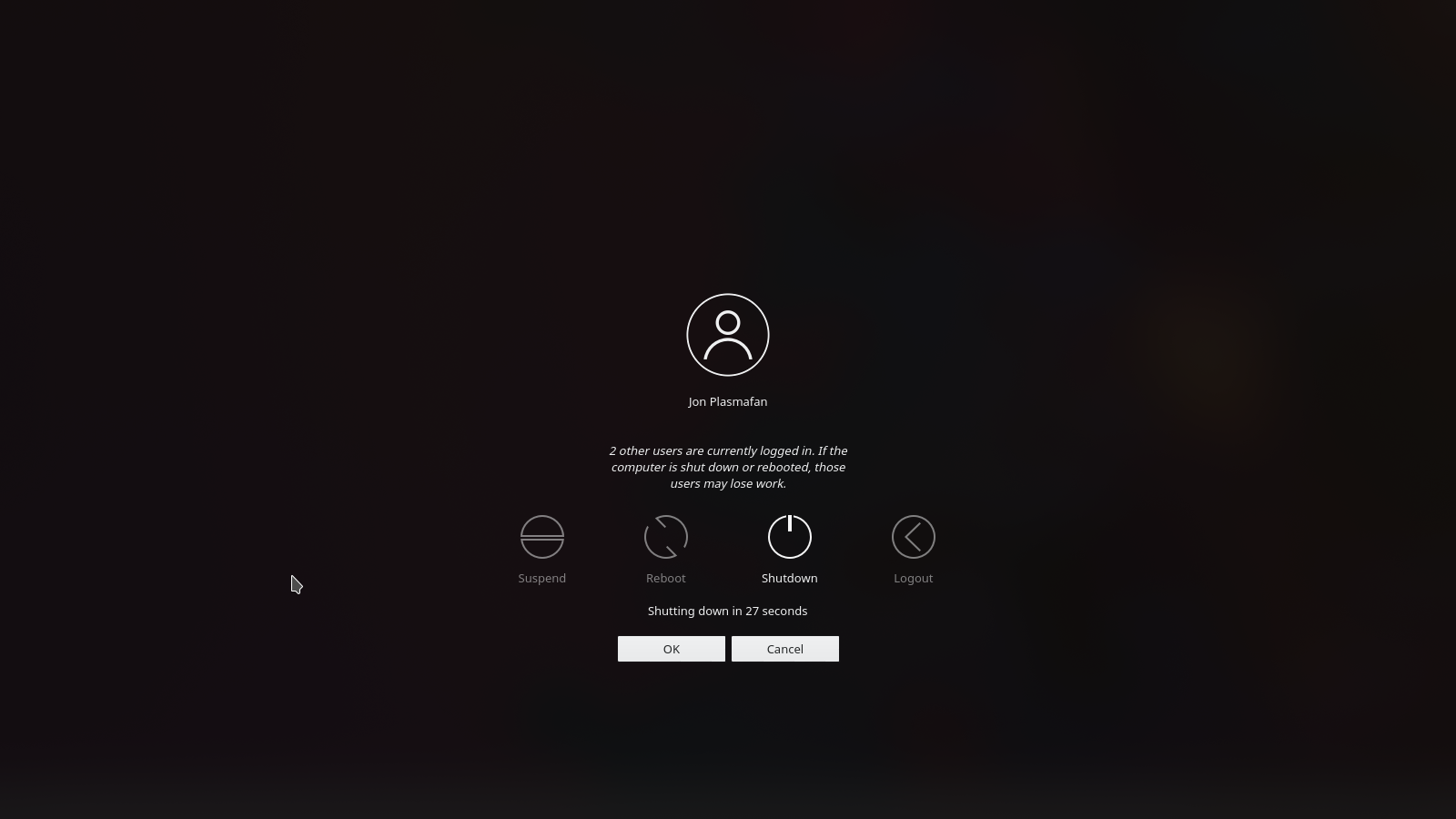
로그아웃 경고
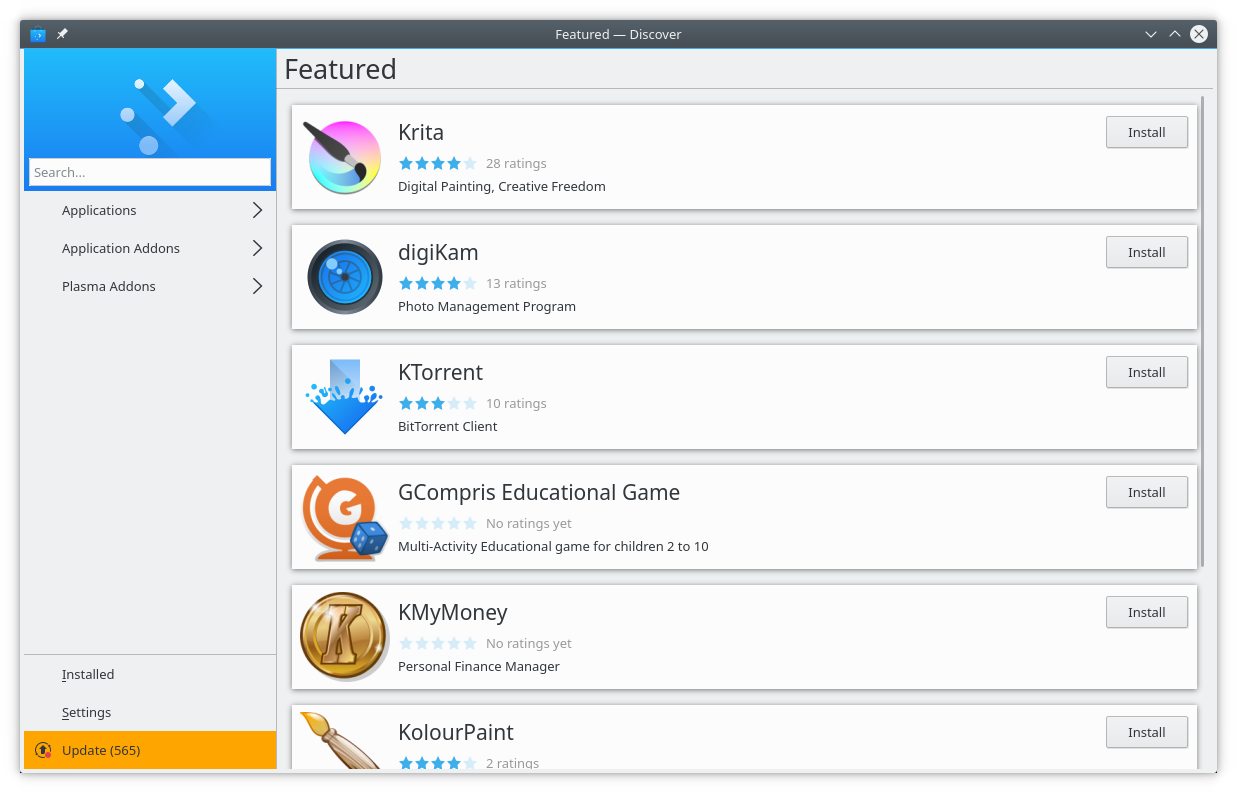
Plasma Discover
Discover, 소프트웨어 및 부가 기능 설치 프로그램에 더 많은 기능을 추가했고 모습과 느낌을 개선했습니다.
다음을 포함한 다양한 버그를 수정했습니다:
체험해 보는 가장 쉬운 방법은 USB 디스크에서 라이브 이미지를 부팅하는 것입니다. Plasma를 테스트해 보려면 Docker 이미지를 사용할 수도 있습니다.
Plasma 라이브 이미지 다운로드 Plasma Docker 이미지 다운로드배포판에서는 패키지 작업을 완료했거나, 패키지 작업을 진행 중입니다. 위키 페이지에서 확인하십시오.
공지 시점에서 이 릴리스의 패키지는 모든 배포판에서 사용할 수는 없습니다.
패키지 다운로드 위키 페이지Plasma를 소스 코드에서 직접 설치할 수 있습니다.
커뮤니티에서 제공하는 컴파일 방법 소스 코드 정보 페이지소셜 미디어 채널을 통해서 피드백을 제공하고 업데이트를 받을 수 있습니다:
KDE 포럼에서 토론할 수 있습니다.
#Plasma Matrix 채널, Plasma-devel 메일링 리스트를 통해서 개발자에게 직접 피드백을 전달하거나, Bugzilla로 문제점을 보고할 수 있습니다. 팀이 하고 있는 일이 마음에 든다면 알려 주세요!
귀하의 피드백을 감사하게 생각합니다.
KDE는 개인의 시간과 노력을 기부하는 것으로 존재하고 성장하는 자유 소프트웨어 커뮤니티입니다. KDE는 코딩, 버그 수정 및 보고, 문서 작성, 번역, 프로모션, 금전적 기여 등 다양한 자원 봉사자와 기여자를 찾고 있습니다. 모든 기여를 환영합니다. 더 많은 정보를 보려면 KDE 지원하기 페이지를 확인하십시오. Join the Game을 통해서 KDE e.V.의 후원 회원이 될 수도 있습니다.
KDE는 데스크톱 및 휴대용 컴퓨팅을 위한 자유 오픈 소스 소프트웨어를 개발하는 국제 기술 팀입니다. KDE의 제품으로는 리눅스 및 유닉스 플랫폼용 현대적인 데스크톱 환경, 강력한 사무용 생산성 도구 및 그룹웨어, 인터넷과 웹 애플리케이션, 멀티미디어, 엔터테인먼트, 교육용 소프트웨어, 그래픽, 소프트웨어 개발 등 여러 분야에 걸친 백 개 이상의 소프트웨어가 있습니다. KDE 소프트웨어는 60여개 이상의 언어로 번역되며 사용 편의성과 접근성을 염두에 두고 개발됩니다. KDE 앱은 리눅스, BSD, Solaris, Windows, Haiku, macOS에서 네이티브 환경으로 실행됩니다.
등록 상표 고지.
KDE®와 K Desktop Environment® 로고는 KDE e.V.의 등록 상표입니다.
Linux는 Linus Torvalds의 등록 상표입니다. UNIX는 미국 및 기타 국가에서 The Open Group의 등록 상표입니다.
이 문서에 언급된 모든 다른 등록 상표와 저작권은 개별 소유자의 지적 자산입니다.
더 많은 정보를 보려면 이메일을 보내 주십시오: press@kde.org