KDE pro tvůrce
Otevřené nástroje pro neomezenou kreativitu
Krita - digitální malování pro lidské bytosti
Žádné zkušební verze.
Žádné vyžadované předplatné.
Žádné barvy skryté za platební branou.
Žádné omezení pro vaši rozmanitou tvořivost.
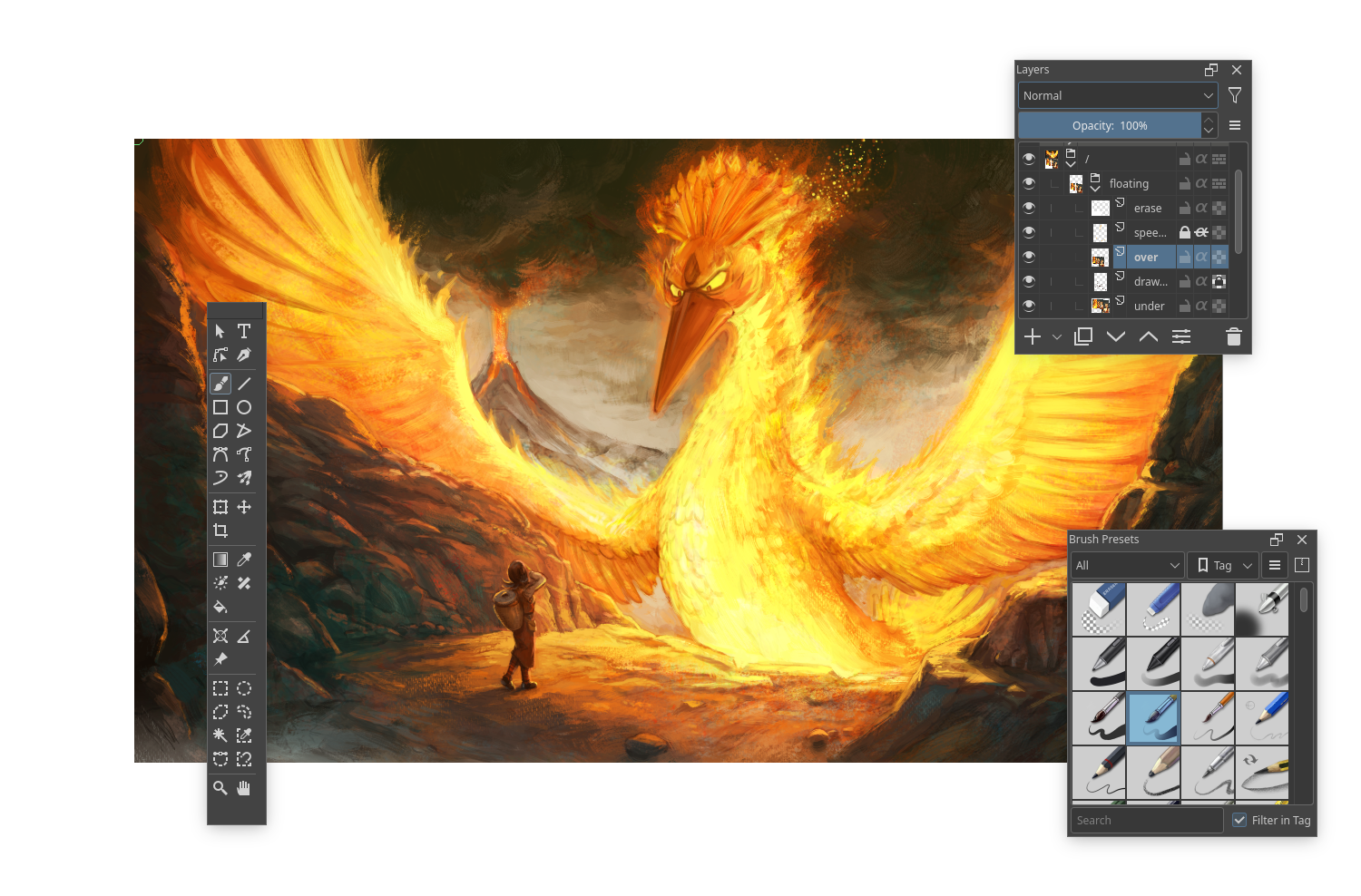
Krita je profesionální svobodný program s otevřeným kódem pro malíře a grafické návrháře. Je vytvořen umělci, kteří pracují na poskytnutí otevřeného a soukromí respektujícího nástroje pro umění, který si může dovolit každý. S Kritou můžete rozvíjet konceptuální umění, používat texturové a matte malovací nástroje a tvořit vysoce kvalitní ilustrace a komixy.
Připoj se ke komunitě
Připoj se ke komunitě krita-artists.org, abys mohl sdílet své umění s ostatními umělci.


Kdenlive
Kdenlive vám umožňuje používat a aranžovat několik audio a video stop, každá může být uzamčena nebo ztlumena pro vaše pohodlí.
Použijte libovolný formát zvuku nebo videa
Díky tomu, že je Kdenlive založen na výkonných knihovnách FFmpeg, dokáže přímo zpracovávat téměř všechny audio a video formáty, aniž by bylo nutné klipy převádět nebo překódovávat.
Nastavitelné rozhraní a klávesové zkratky
Můžete si přizpůsobit a uložit vlastní rozložení rozhraní tak, aby vyhovovalo vašemu pracovnímu postupu. Klávesové zkratky lze rovněž nastavit podle vašich preferencí.

Glaxnimate
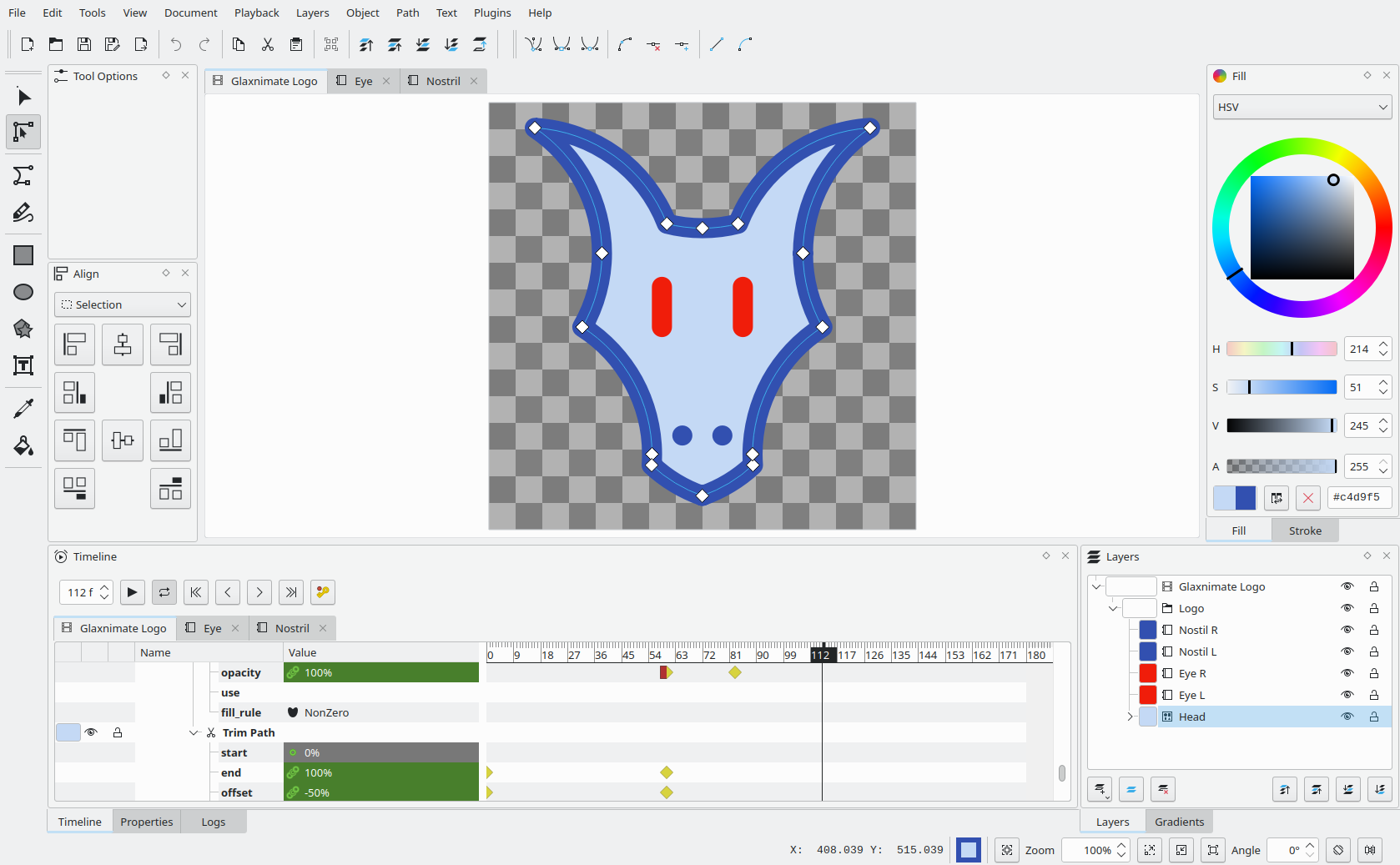
Glaxnimate je aplikace pro počítač s otevřeným zdrojovým kódem pro tvorbu vektorových animací a motion designu.
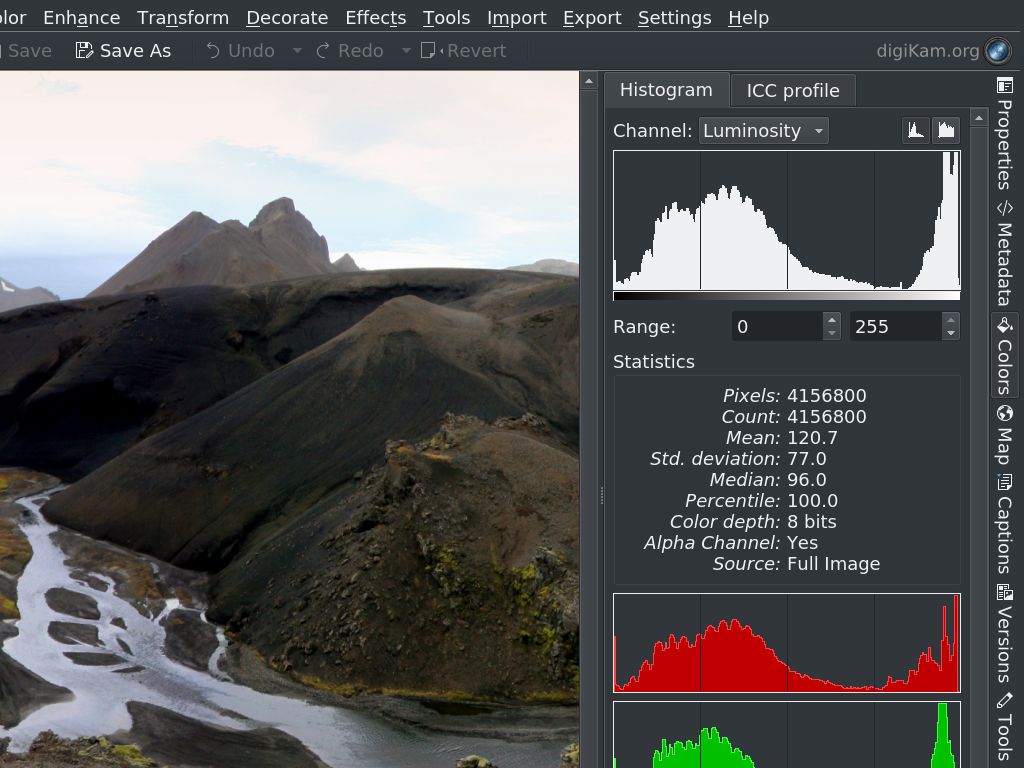
Digikam
Profesionální správa fotografií pomocí svobodného software
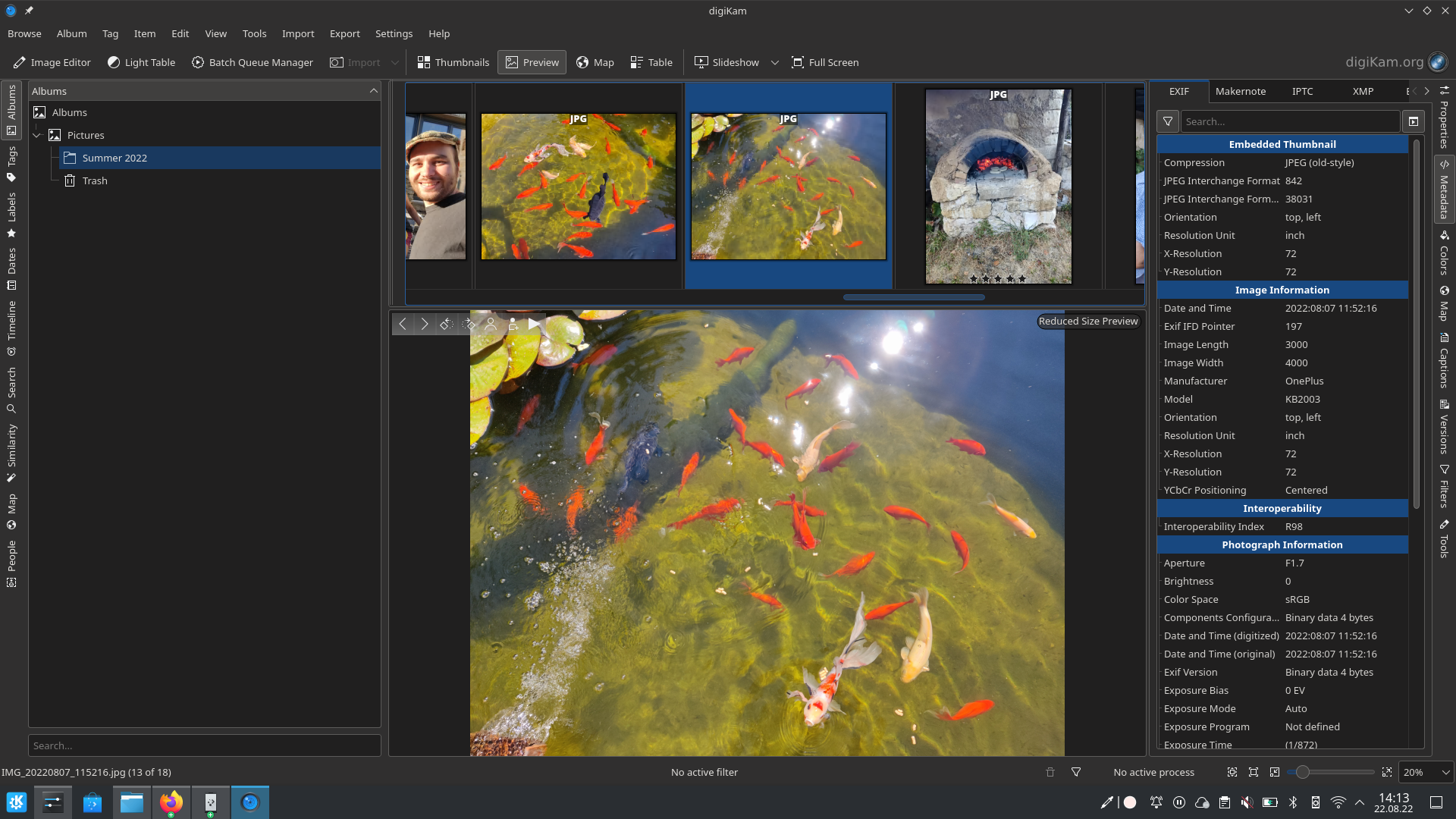
Analyzujte barvy a expozici snímků pomocí histogramů
Pomocí štítků rychle najděte své nejlepší snímky
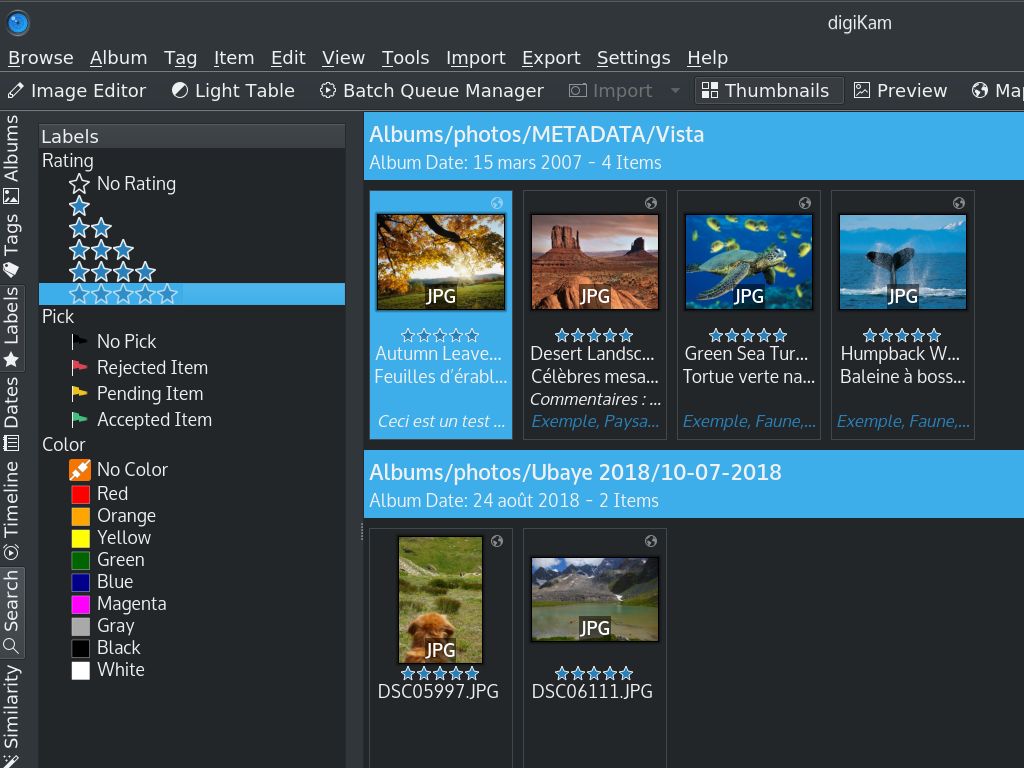
Plocha KDE Plasma pro umělce
KDE Plasma je pro vás ideálním operačním systémem díky nativní podpoře grafických tabletů a mnoha drobným funkcím přizpůsobeným pro umělce.
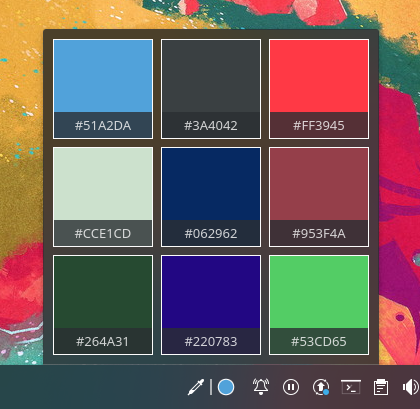
Applet pro výběr barvy
Zachyťte barvy z obrazovky a sledujte je
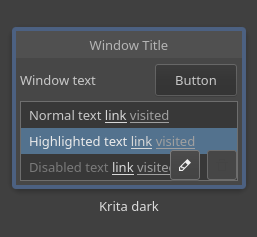
Podpora neutrálních barev
Plasma vám umožňuje používat tmavé téma s potlačenými barvami.
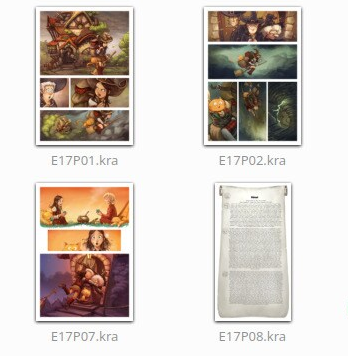
Podpora náhledů všech vašich obrázků
Prohlížejte si náhledy svých uměleckých děl ve formátu Krita přímo ze správce souborů a prohlížeče obrázků
Jde především o více možností nastavení tabletu, možnosti nastavení barevného motivu v neutrálních barvách, miniatury zdrojových souborů s uměleckými díly a snazší přiřazování typů souborů a nabídku 'Otevřít v', lepší podporu práce s více monitory a dokonalou integraci do pracovního prostředí s mými hlavními aplikacemi: Krita a Kdenlive.
David Revoy, Fedora 36 KDE Spin jako pracovní stanice pro digitální malbu
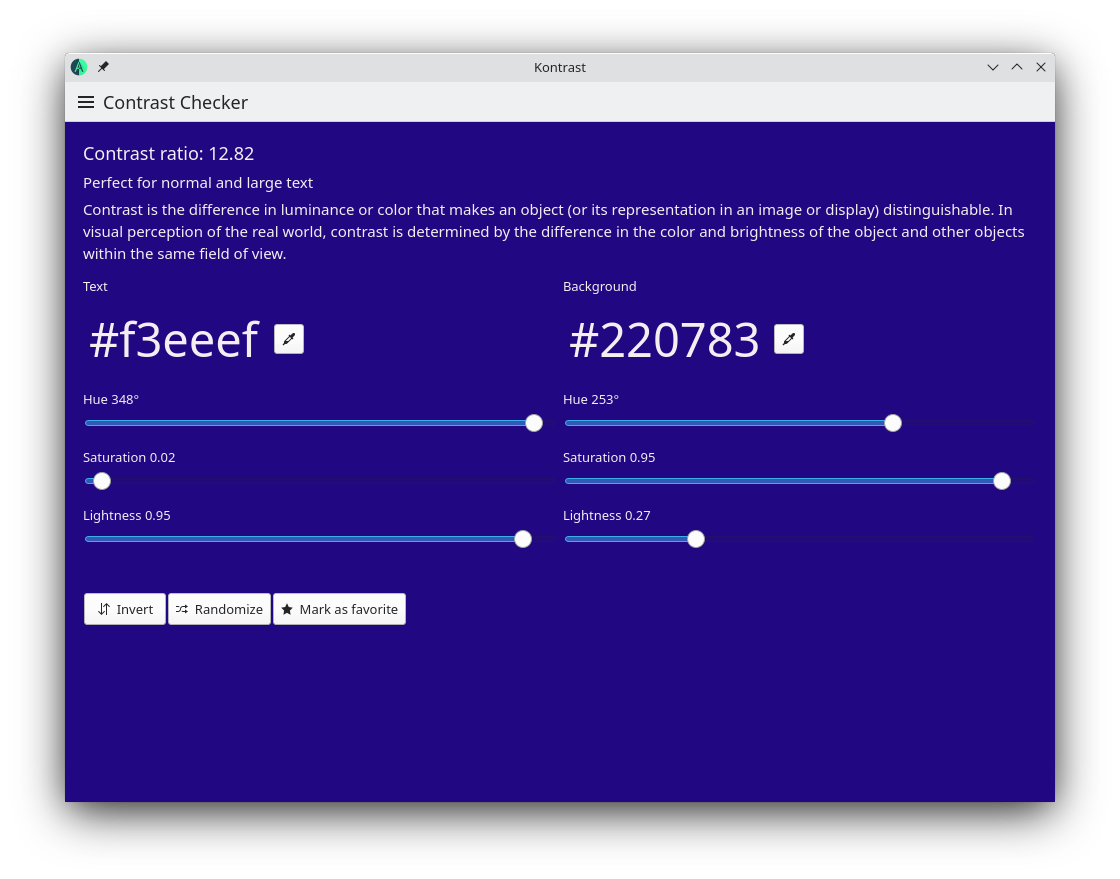
Kontrast
Zajistěte přístupnost svého návrhu tím, že se ujistíte, že kontrast splňuje požadavky WCAG.
Další open-source aplikace pro vás
Zde najdete několik dalších aplikací od jiných organizací zabývajících se otevřeným zdrojovým kódem, které vám pomohou vylepšit váš pracovní postup. Nezapomeňte se také podívat na naše další aplikace související s grafikou.