Live Images
The easiest way to try it out is with a live image booted off a USB disk. Docker images also provide a quick and easy way to test Plasma.
Download live images with Plasma Download Docker images with Plasma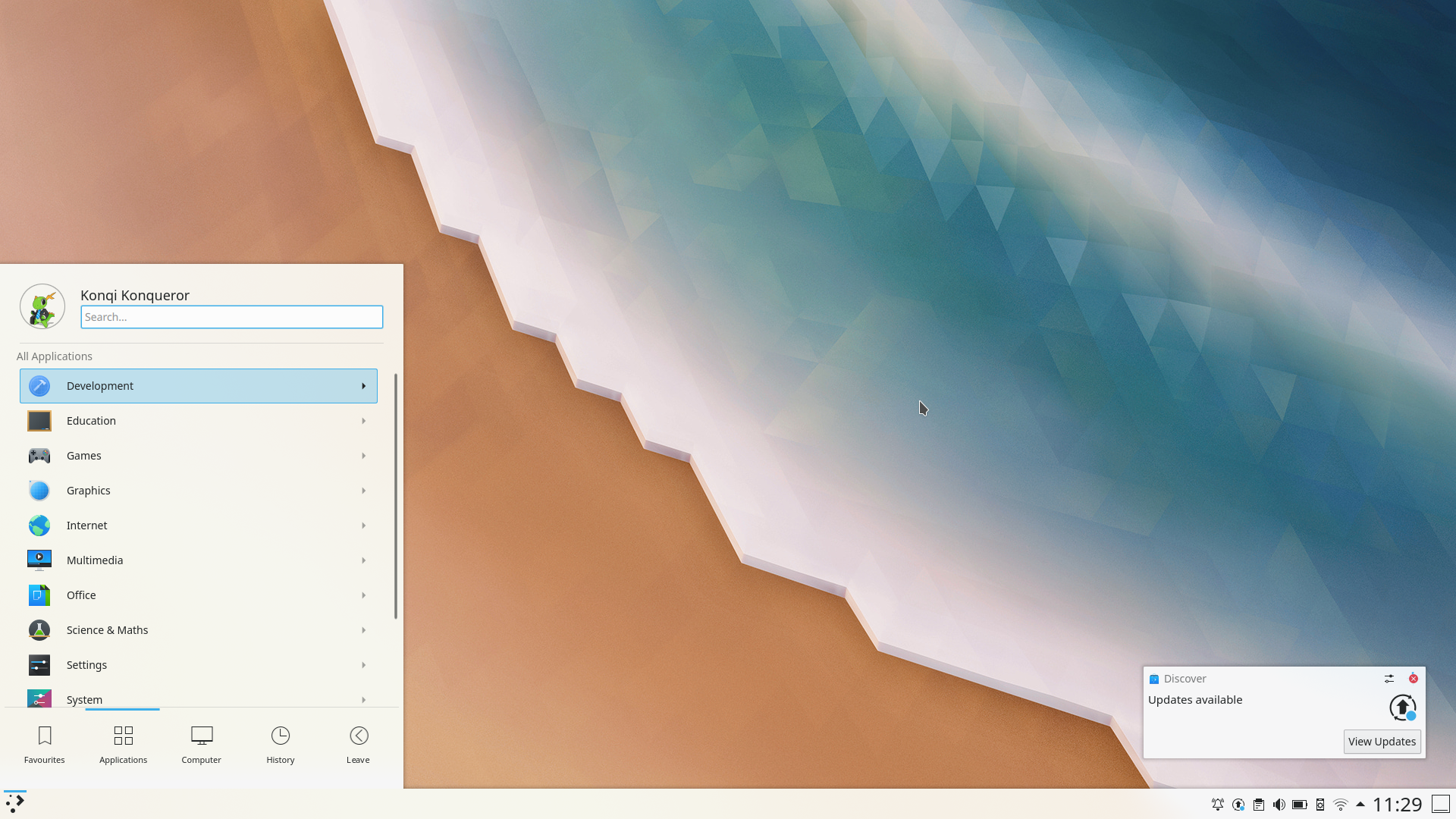
KDE Plasma 5.18 Beta
Thursday, 16 January 2020
The Plasma 5.18 LTS Beta is out! This new version of your favorite desktop environment adds neat new features that make your life easier, including clearer notifications, streamlined settings for your system and the desktop layout, much improved GTK integration, and more. Plasma 5.18 is easier and more fun, while at the same time allowing you to do more tasks faster.
Apart from all the cool new stuff, Plasma 5.18 also comes with LTS status. LTS stands for "Long Term Support" and this means 5.18 will be updated and maintained by KDE contributors for the next couple of years (regular versions are maintained for 4 months). So, if you are thinking of updating or migrating your school, company or organization to Plasma, this version is your best bet. You get the most recent stable version of Plasma for the long term.
Read on to discover everything that is new in Plasma 5.18 LTS…
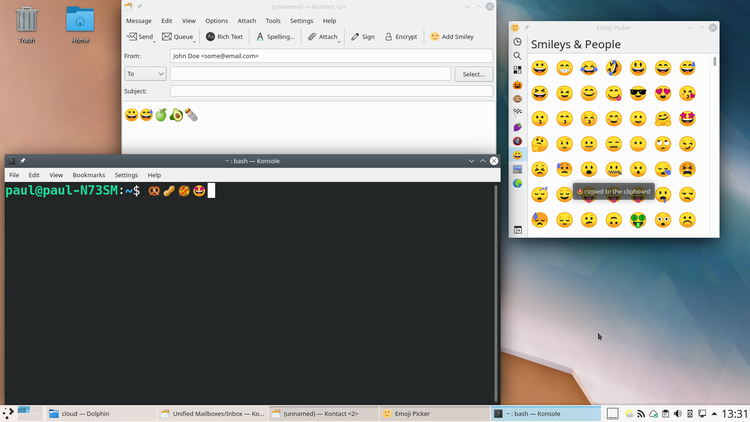
Emoji Selector
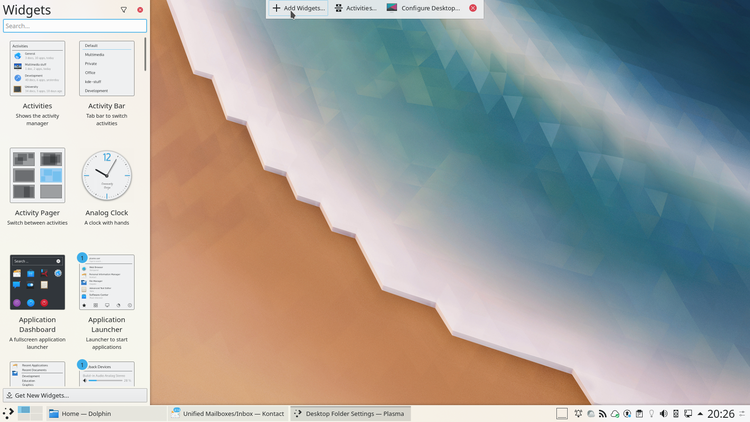
Customize Layout Global Settings
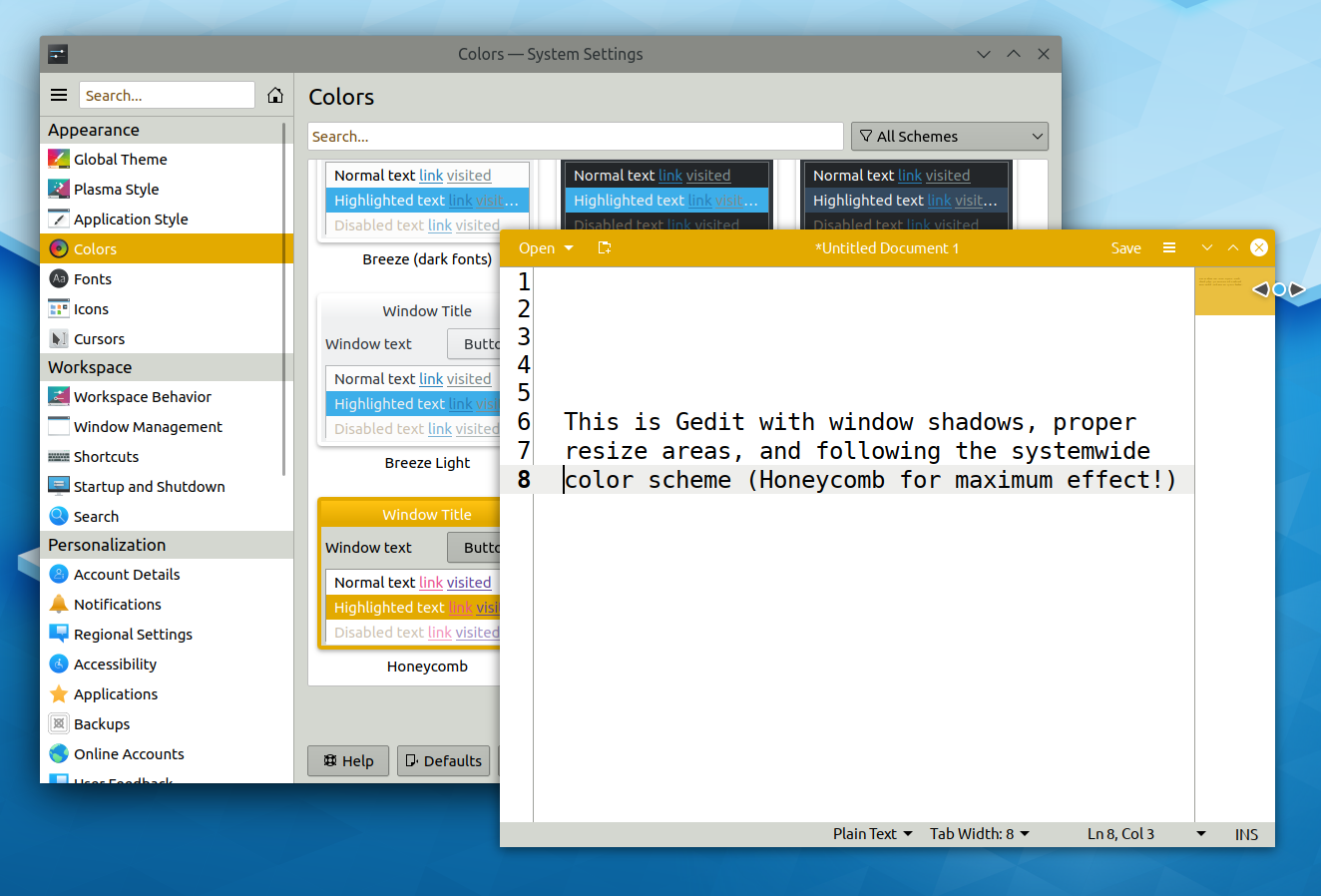
GTK Apps with CSD and Theme support
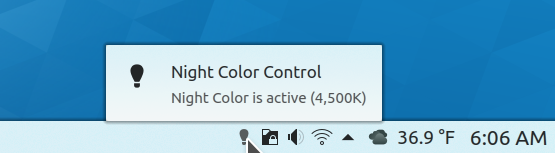
Night Color System Tray Widget
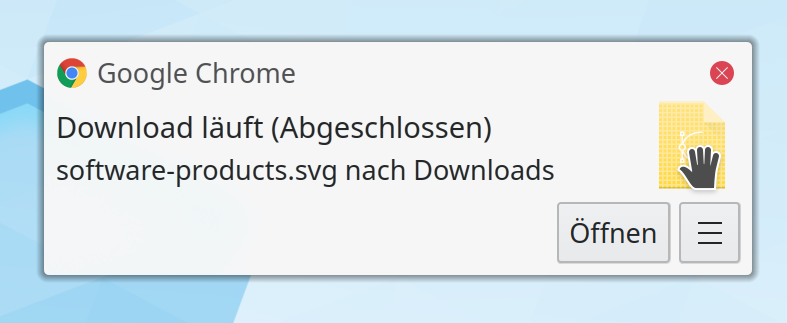
Draggable Download File Icon
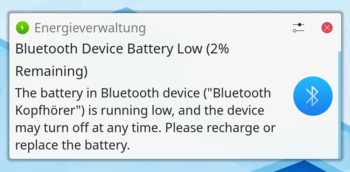
Bluetooth Device Battery Low Notification
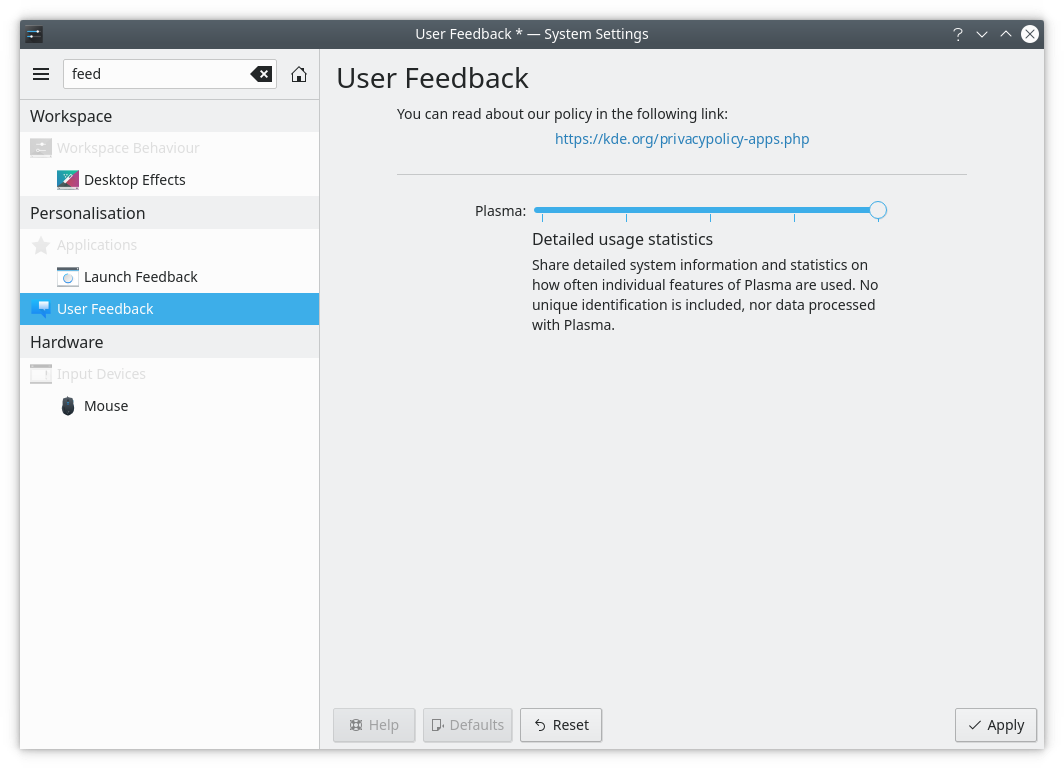
User Feedback
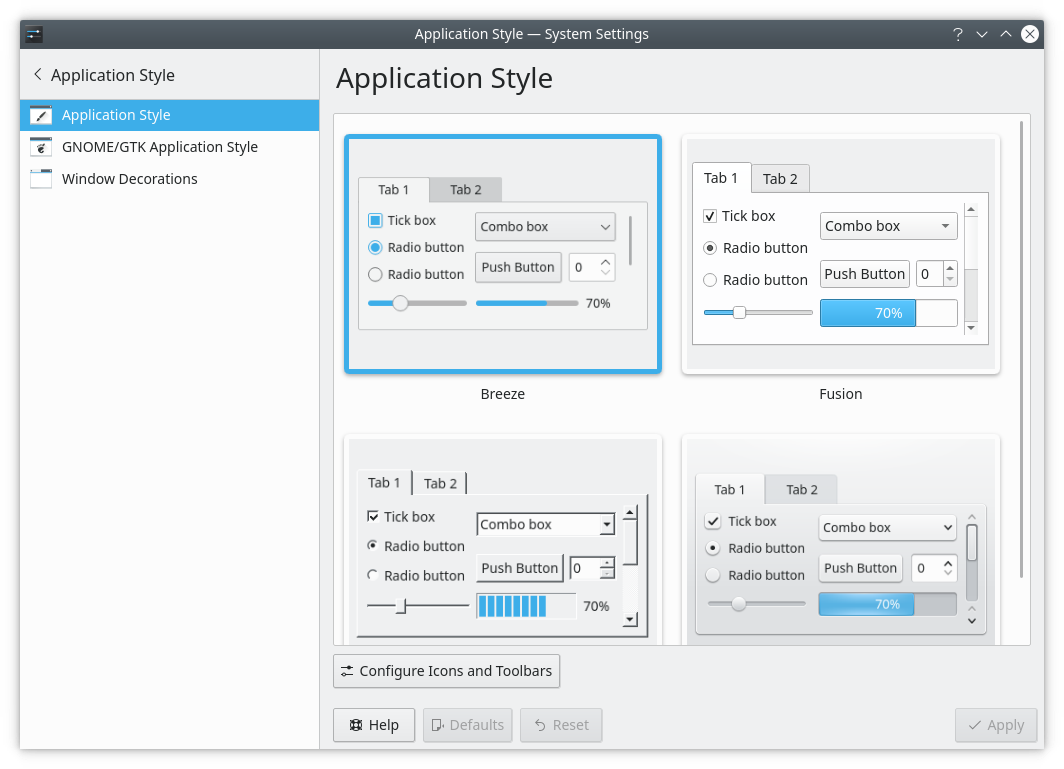
Application Style
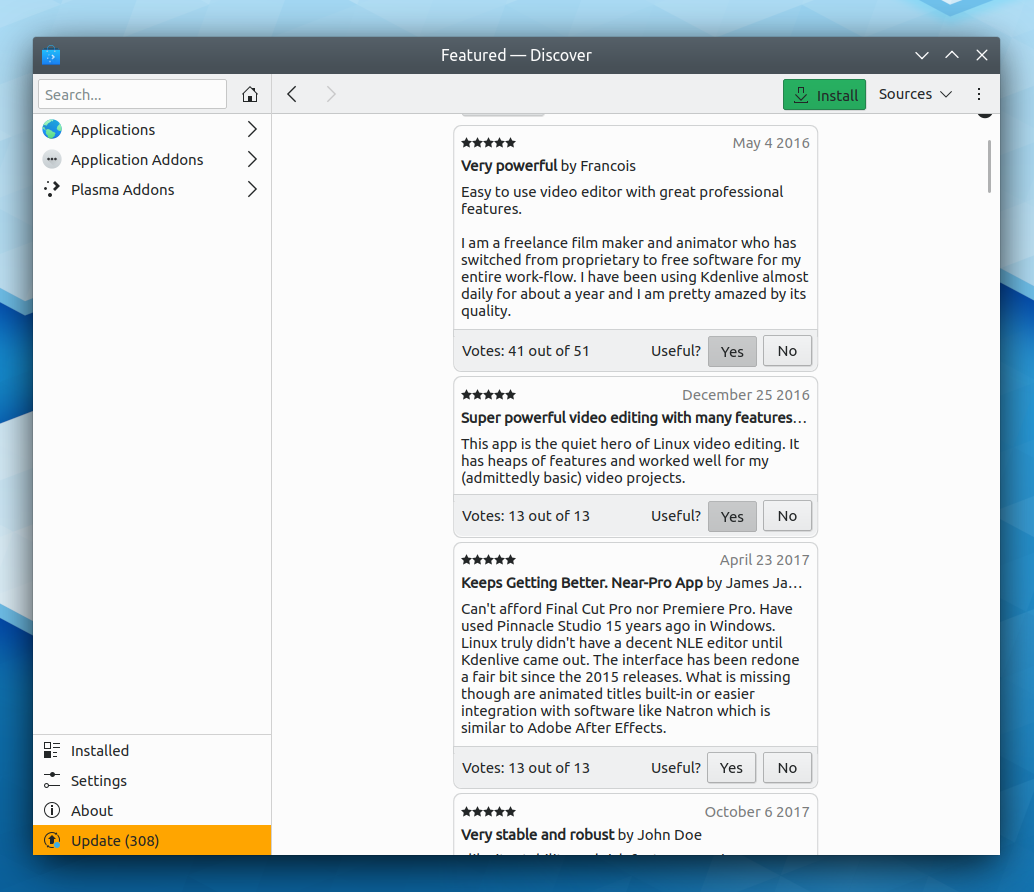
Reading and Writing Review Comments
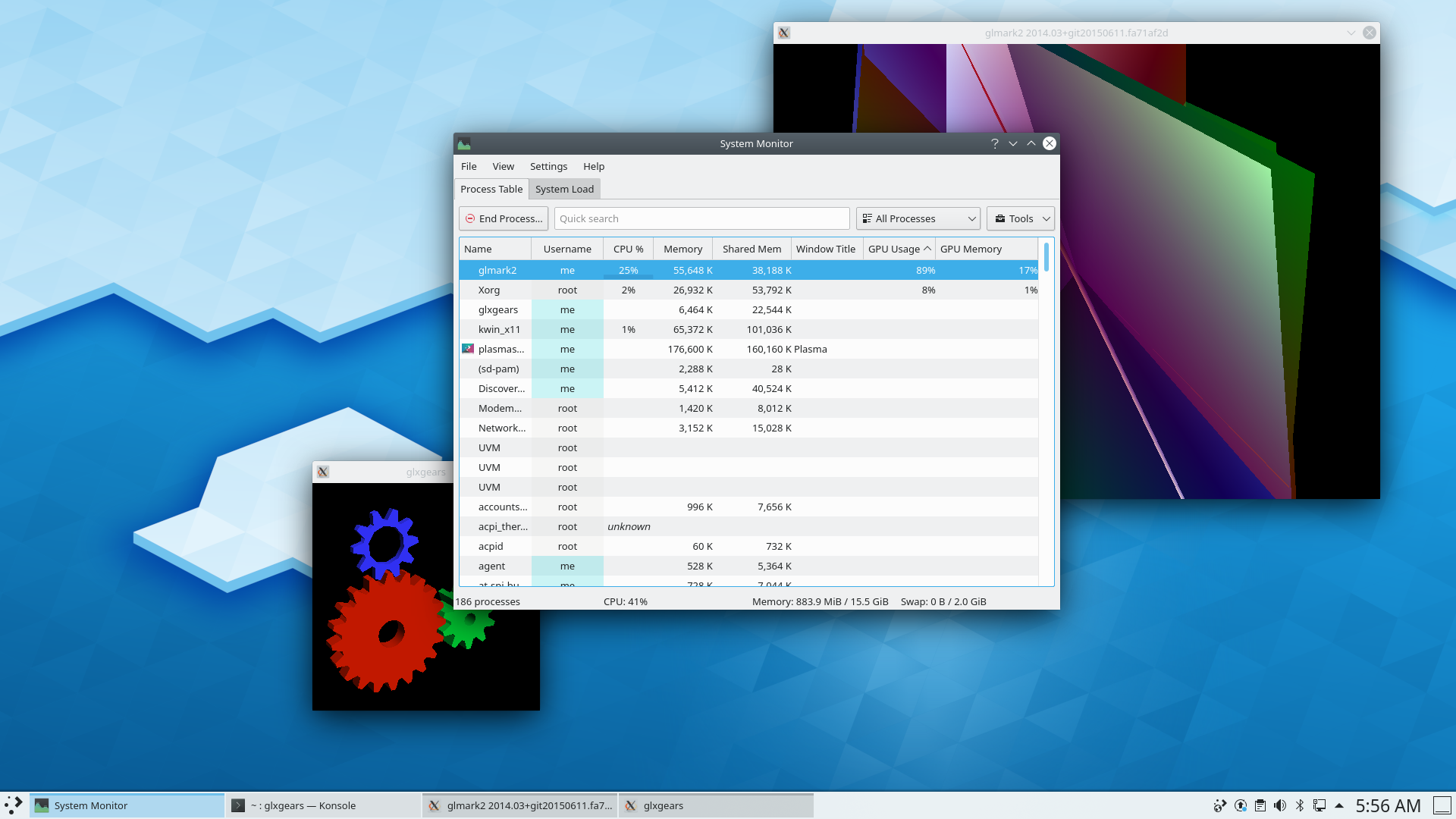
NVIDIA GPU stats
For those upgrading from our previous Long Term Support release here are some of the highlights from the last two years of development:
The easiest way to try it out is with a live image booted off a USB disk. Docker images also provide a quick and easy way to test Plasma.
Download live images with Plasma Download Docker images with PlasmaDistributions have created, or are in the process of creating, packages listed on our wiki page.
Note that packages of this release might not be available on all distributions at the time of this announcement.
Package download wiki pageYou can install Plasma directly from source.
Community instructions to compile itYou can give us feedback and get updates on our social media channels:
Discuss KDE on the KDE Forums.
You can provide feedback direct to the developers via the #Plasma Matrix channel, Plasma-devel mailing list or report issues via Bugzilla. If you like what the team is doing, please let them know!
Your feedback is greatly appreciated.
KDE is a Free Software community that exists and grows only because of the help of many volunteers that donate their time and effort. KDE is always looking for new volunteers and contributions, whether it is help with coding, bug fixing or reporting, writing documentation, translations, promotion, money, etc. All contributions are gratefully appreciated and eagerly accepted. Please read through the Supporting KDE page for further information or become a KDE e.V. supporting member through our Join the Game initiative.
KDE is an international technology team that creates free and open source software for desktop and portable computing. Among KDE's products are a modern desktop system for Linux and UNIX platforms, comprehensive office productivity and groupware suites and hundreds of software titles in many categories including Internet and web applications, multimedia, entertainment, educational, graphics and software development. KDE software is translated into more than 60 languages and is built with ease of use and modern accessibility principles in mind. KDE's full-featured applications run natively on Linux, BSD, Windows, Haiku, and macOS.
Trademark Notices.
KDE® and the K Desktop Environment® logo are registered trademarks of KDE e.V..
Linux is a registered trademark of Linus Torvalds. UNIX is a registered trademark of The Open Group in the United States and other countries.
All other trademarks and copyrights referred to in this announcement are the property of their respective owners.
For more information send us an email: press@kde.org