Live Images
The easiest way to try it out is with a live image booted off a USB disk. Docker images also provide a quick and easy way to test Plasma.
Download live images with Plasma Download Docker images with Plasma
KDE Plasma 5.14
Tuesday, 9 October 2018
Today KDE launches the first release of Plasma 5.14.
Plasma is KDE's lightweight and full featured Linux desktop. For the last three months we have been adding features and fixing bugs and now invite you to install Plasma 5.14.
A lot of work has gone into improving Discover, Plasma's software manager, and, among other things, we have added a Firmware Update feature and many subtle user interface improvements to give it a smoother feel. We have also rewritten many effects in our window manager KWin and improved it for slicker animations in your work day. Other improvements we have made include a new Display Configuration widget which is useful when giving presentations.
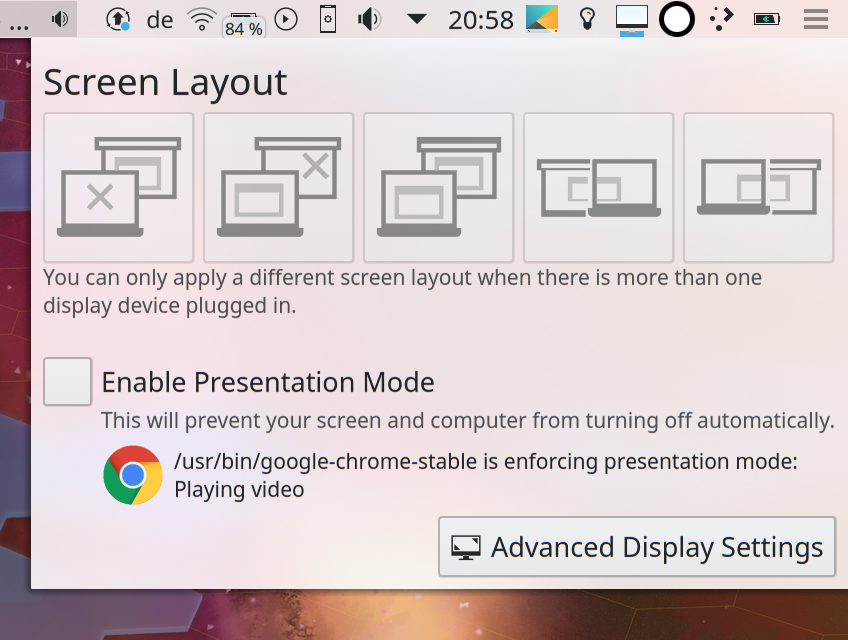
Display Configuration Widget
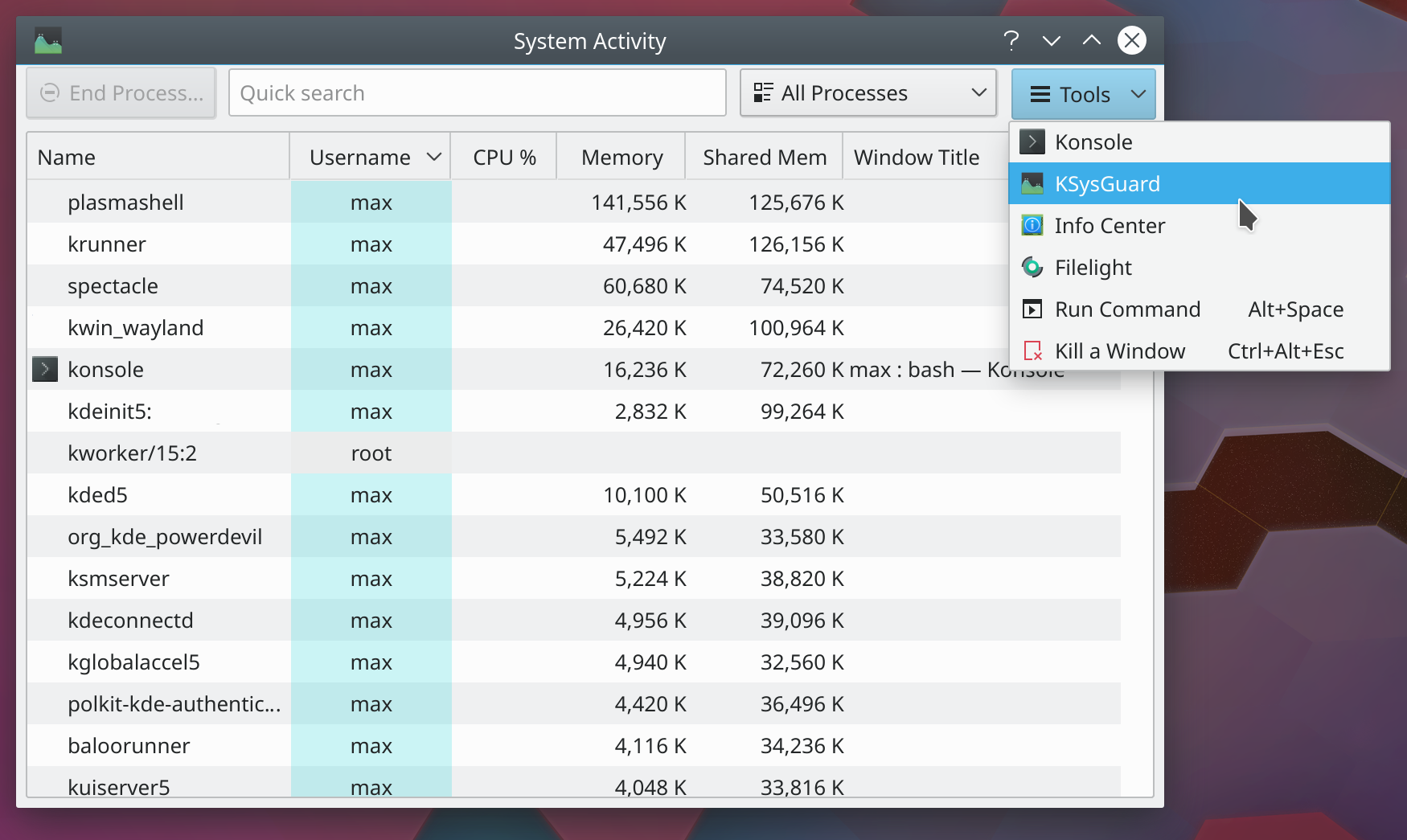
System Monitor Tools
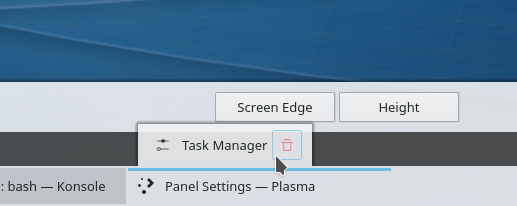
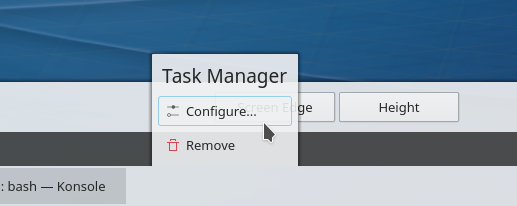
Panel Widget Edit Menu Old and New Style
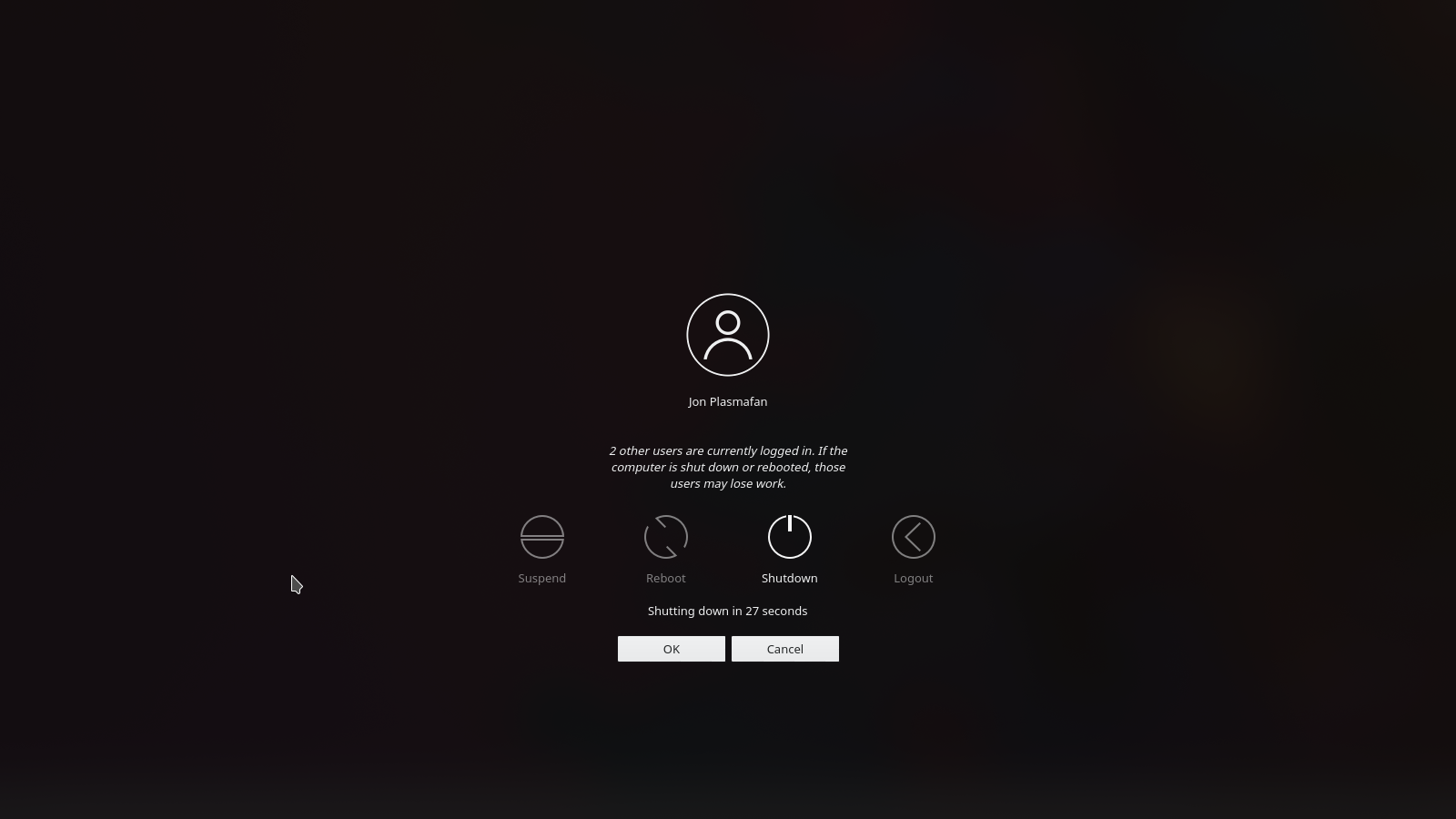
Logout Warning
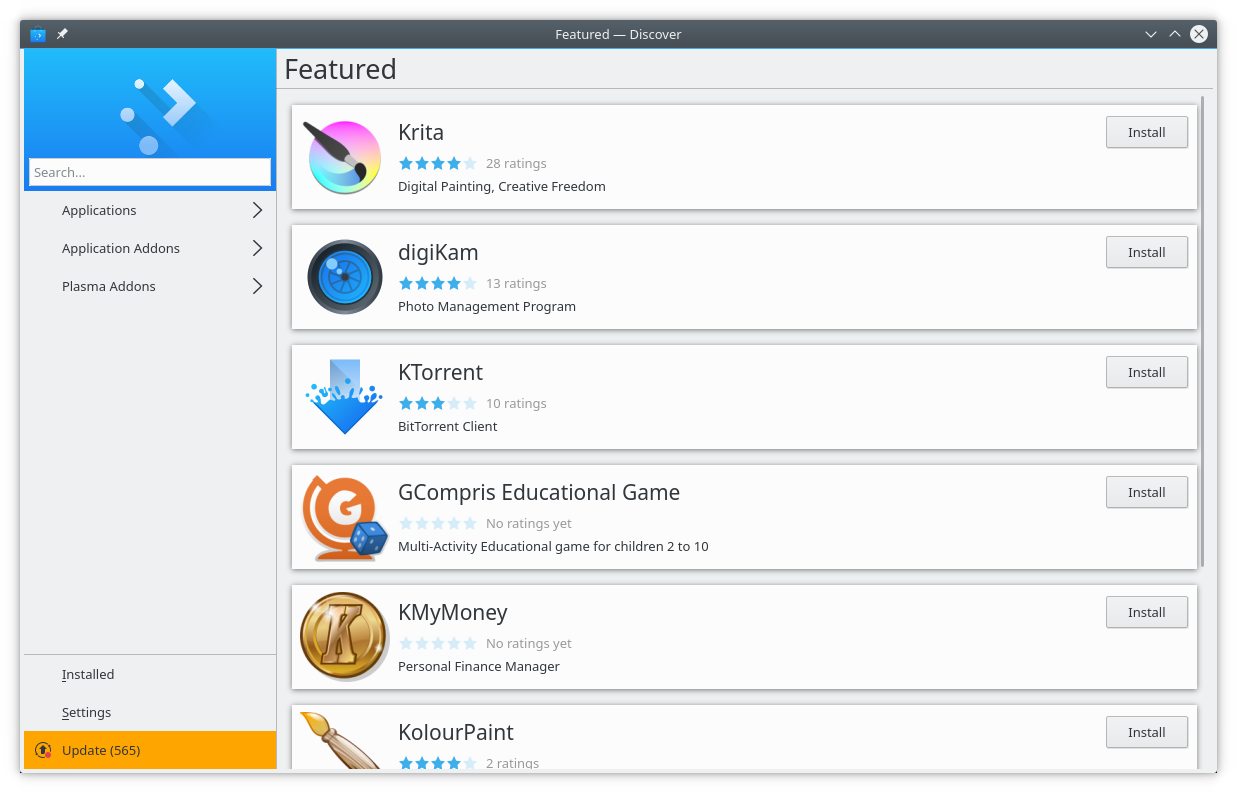
Plasma Discover
Discover, our software and add-on installer, has more features and improves its look and feel.
We fixed many bugs, including:
The easiest way to try it out is with a live image booted off a USB disk. Docker images also provide a quick and easy way to test Plasma.
Download live images with Plasma Download Docker images with PlasmaDistributions have created, or are in the process of creating, packages listed on our wiki page.
Note that packages of this release might not be available on all distributions at the time of this announcement.
Package download wiki pageYou can install Plasma directly from source.
Community instructions to compile it Source Info PageYou can give us feedback and get updates on our social media channels:
Discuss KDE on the KDE Forums.
You can provide feedback direct to the developers via the #Plasma Matrix channel, Plasma-devel mailing list or report issues via Bugzilla. If you like what the team is doing, please let them know!
Your feedback is greatly appreciated.
KDE is a Free Software community that exists and grows only because of the help of many volunteers that donate their time and effort. KDE is always looking for new volunteers and contributions, whether it is help with coding, bug fixing or reporting, writing documentation, translations, promotion, money, etc. All contributions are gratefully appreciated and eagerly accepted. Please read through the Supporting KDE page for further information or become a KDE e.V. supporting member through our Join the Game initiative.
KDE is an international technology team that creates free and open source software for desktop and portable computing. Among KDE’s products are a modern desktop system for Linux and UNIX platforms, comprehensive office productivity and groupware suites and hundreds of software titles in many categories including Internet and web applications, multimedia, entertainment, educational, graphics and software development. KDE software is translated into more than 60 languages and is built with ease of use and modern accessibility principles in mind. KDE’s full-featured applications run natively on Linux, BSD, Windows, Haiku, and macOS.
Trademark Notices.
KDE® and the K Desktop Environment® logo are registered trademarks of KDE e.V..
Linux is a registered trademark of Linus Torvalds. UNIX is a registered trademark of The Open Group in the United States and other countries.
All other trademarks and copyrights referred to in this announcement are the property of their respective owners.
For more information send us an email: press@kde.org